
Centralized VMS for Every Camera
What is a Video Management System?
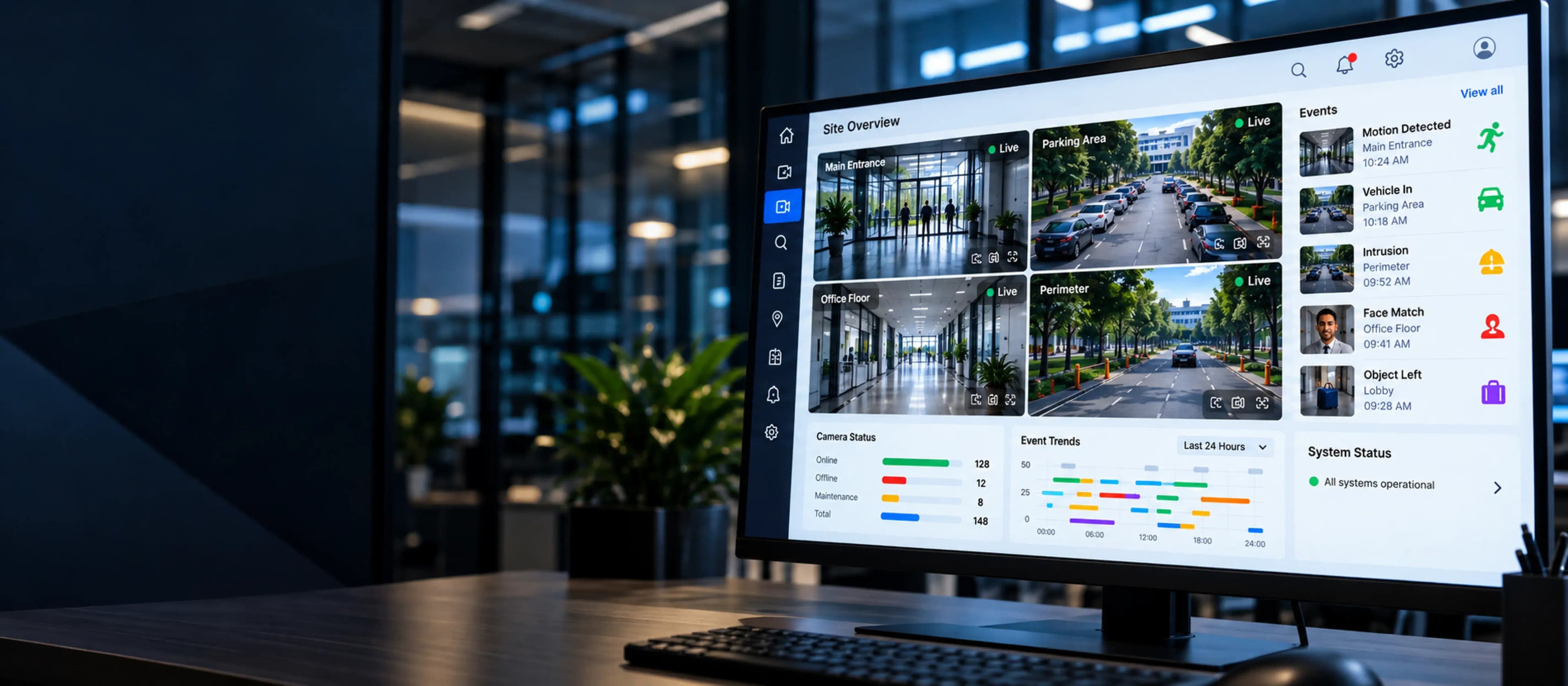
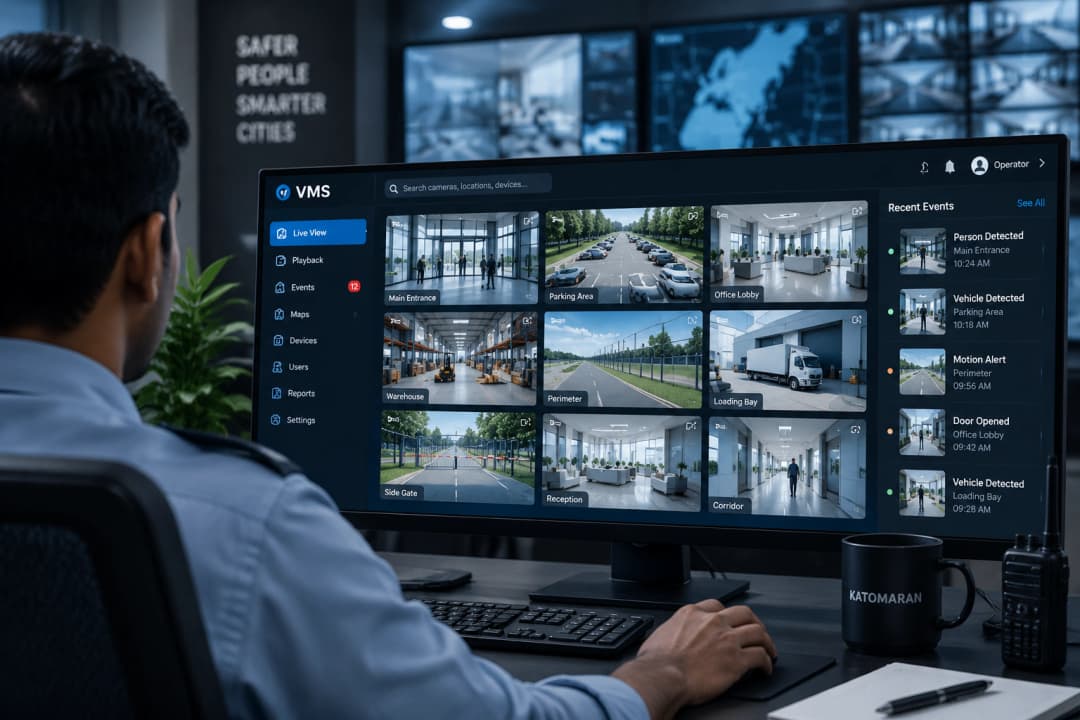
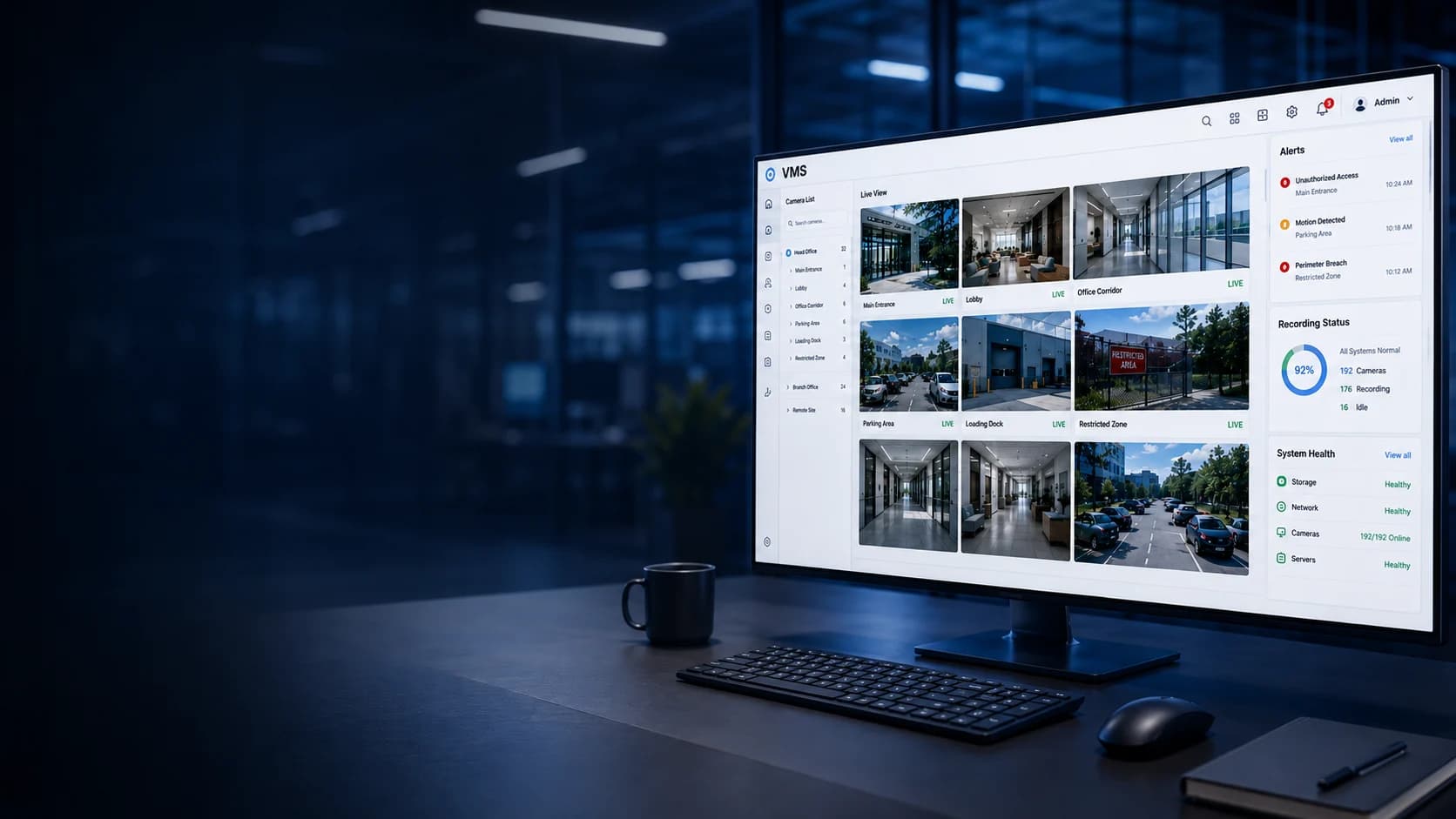
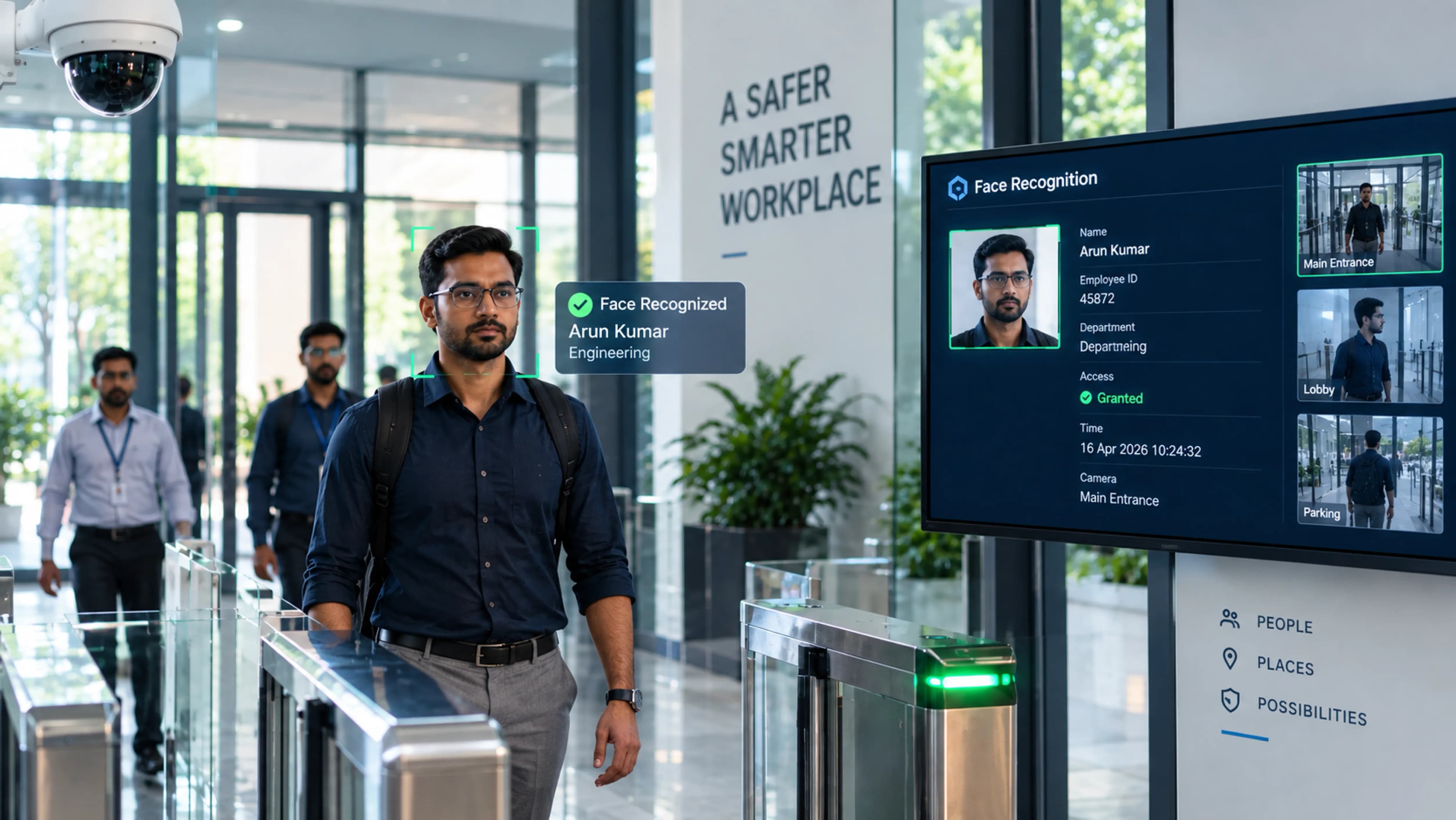
A Video Management System (VMS) is software that brings video from many cameras into one place to record, store, and manage it. Security teams don't have to log into a different NVR or DVR at every site. They use one interface to watch live feeds, open recordings, and tie video to access control and alarms.
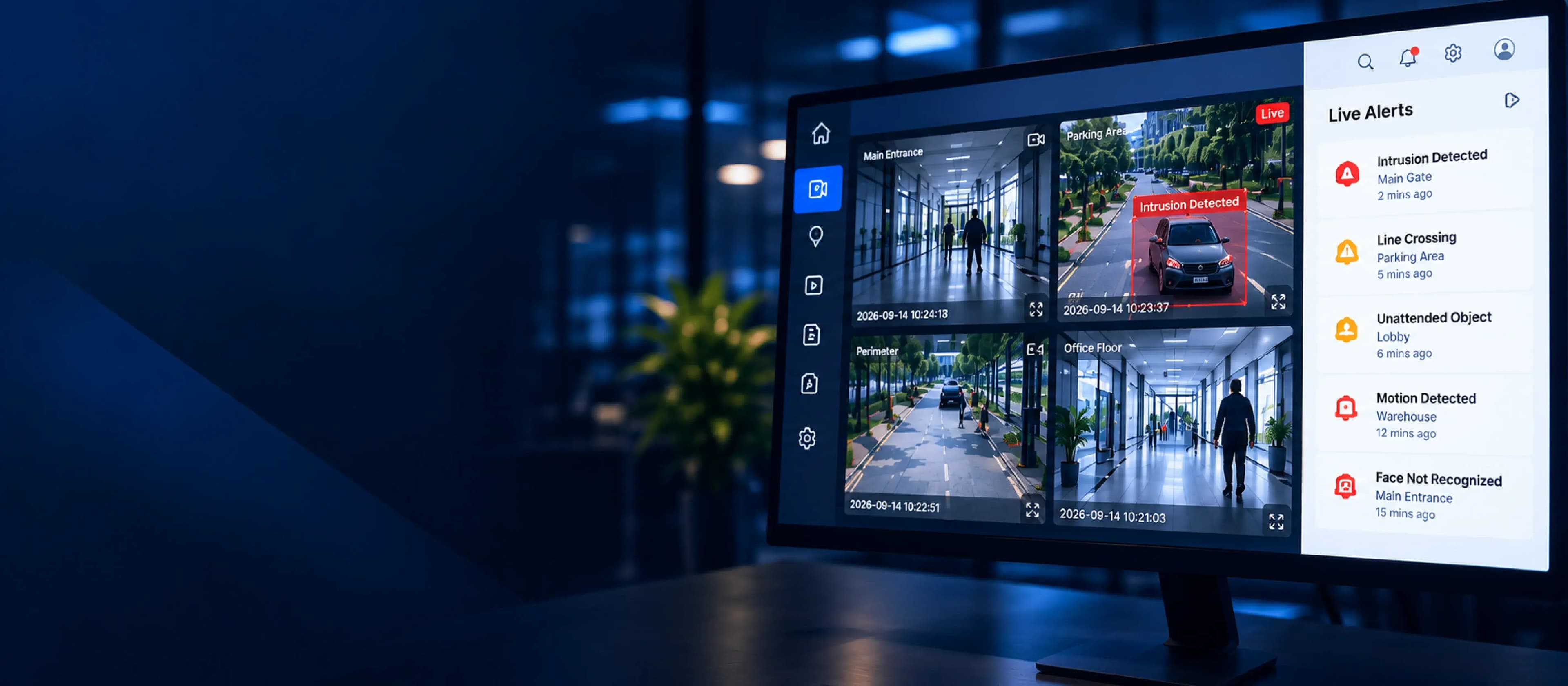
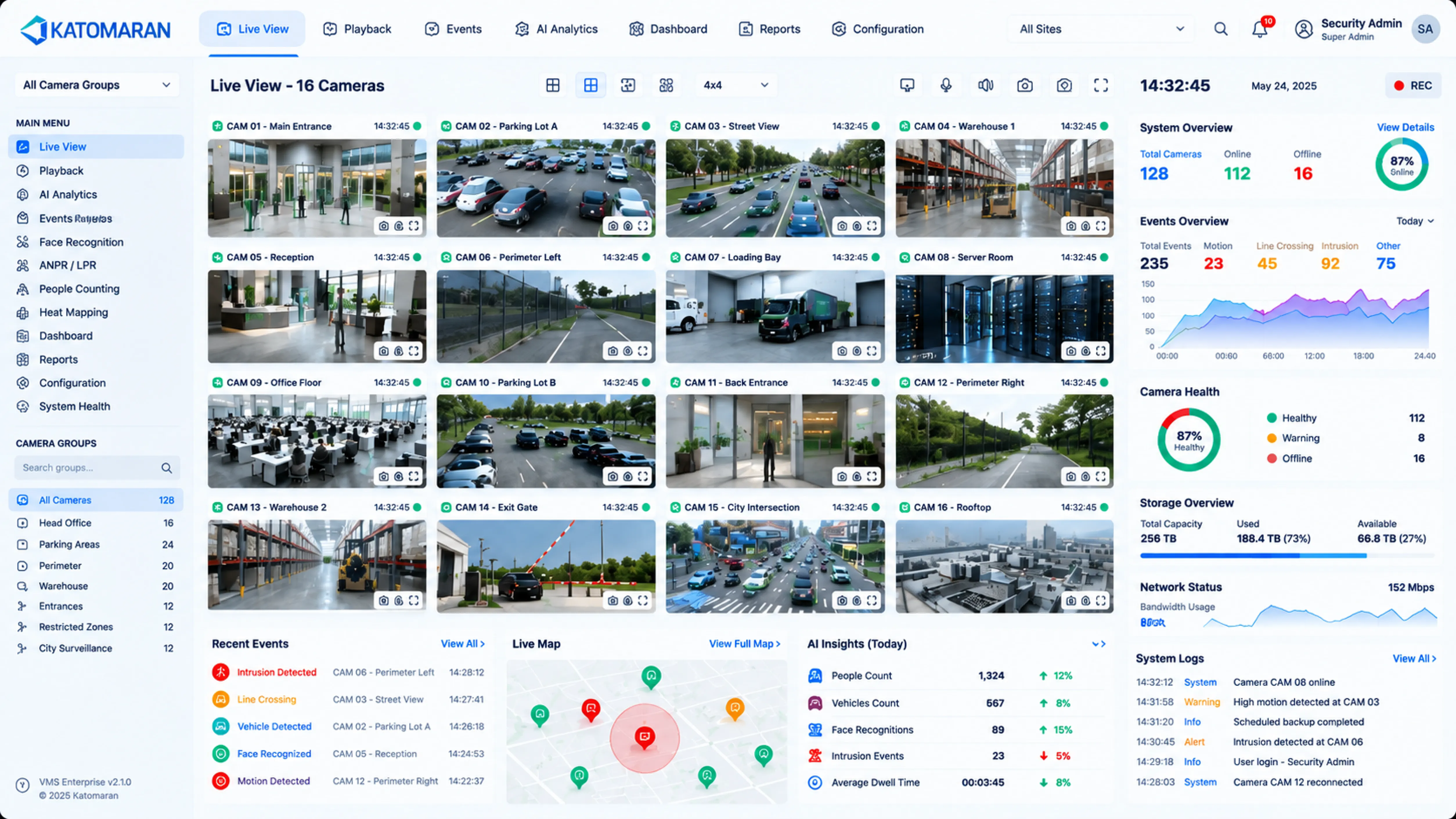
Katomaran's Enterprise VMS does more than record. It adds AI-assisted detection, role-based access, and multi-site control from one center. The system that stores your footage also helps your team find the right clip fast, act on an incident, and see who viewed which video and when. Modern Video Management Software earns its place in daily operations. A basic recorder only matters after something goes wrong.
Who needs a Video Management System
Security Teams
Monitor multiple camera feeds from one unified platform.
Multi-Site Enterprises
Get multi-site video management without onsite recorders.
Smart Cities
Unify traffic, safety, and municipal camera monitoring.
VMS Industrial Plants
Monitor production, storage, and dispatch from one room.
System Integrators
Build adaptable ONVIF-compatible solutions for different clients.
Enterprise Video Management System
Katomaran's VMS Software is made for organizations that have outgrown a basic recorder: retail chains, hospitals, warehouses, and smart city projects. It acts as the control point for the whole camera network. Live monitoring, recording, playback, and user access all sit in one place. You can run it on-premise, in the cloud, or as a hybrid, and it works with the ONVIF-compliant cameras you already have.
Fast video search, role-based access, and real-time analytics give teams a clearer picture of their camera network with less manual effort. A single office and a camera network spread across many cities can run on the same VMS, managed by the same team. You don't need to buy a new tool every time the network grows.
Get in Touch
Problems Solved by Katomaran's Modern
VMS
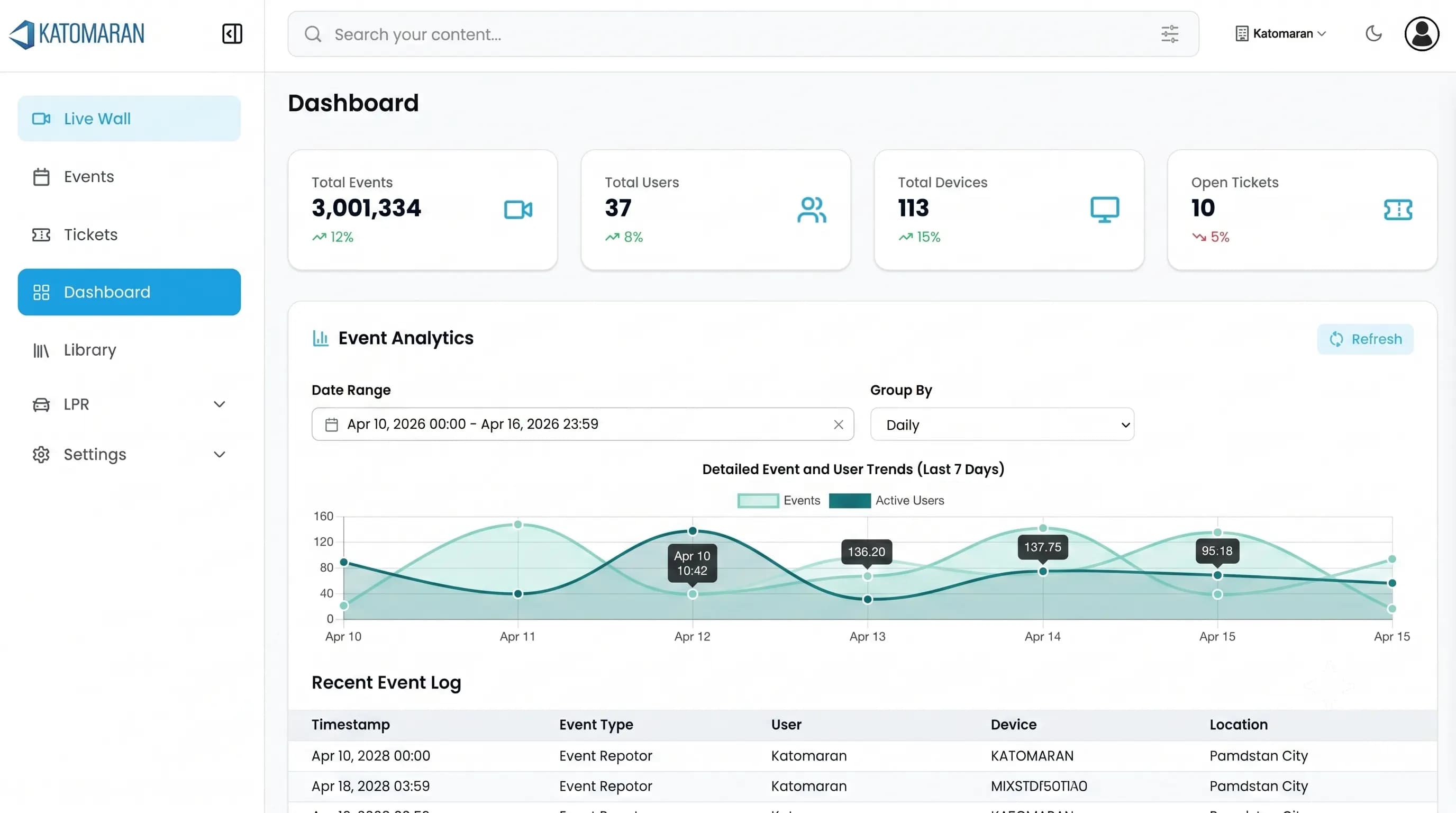
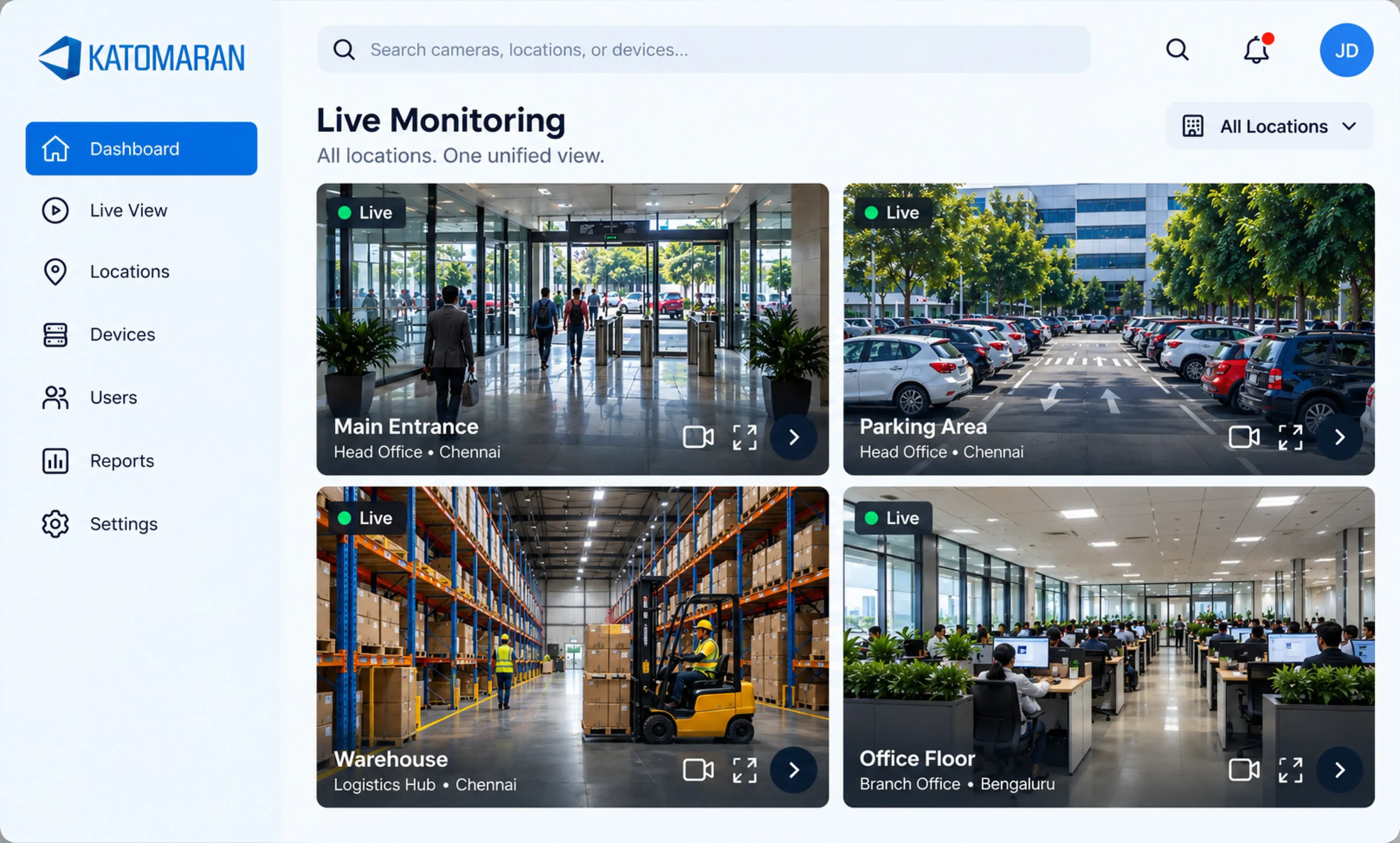
Most organizations have plenty of cameras. What's missing is a way to make that footage useful to the security team. Katomaran VMS brings every feed into one place, so teams can spot issues and act faster.
Fragmented camera systems
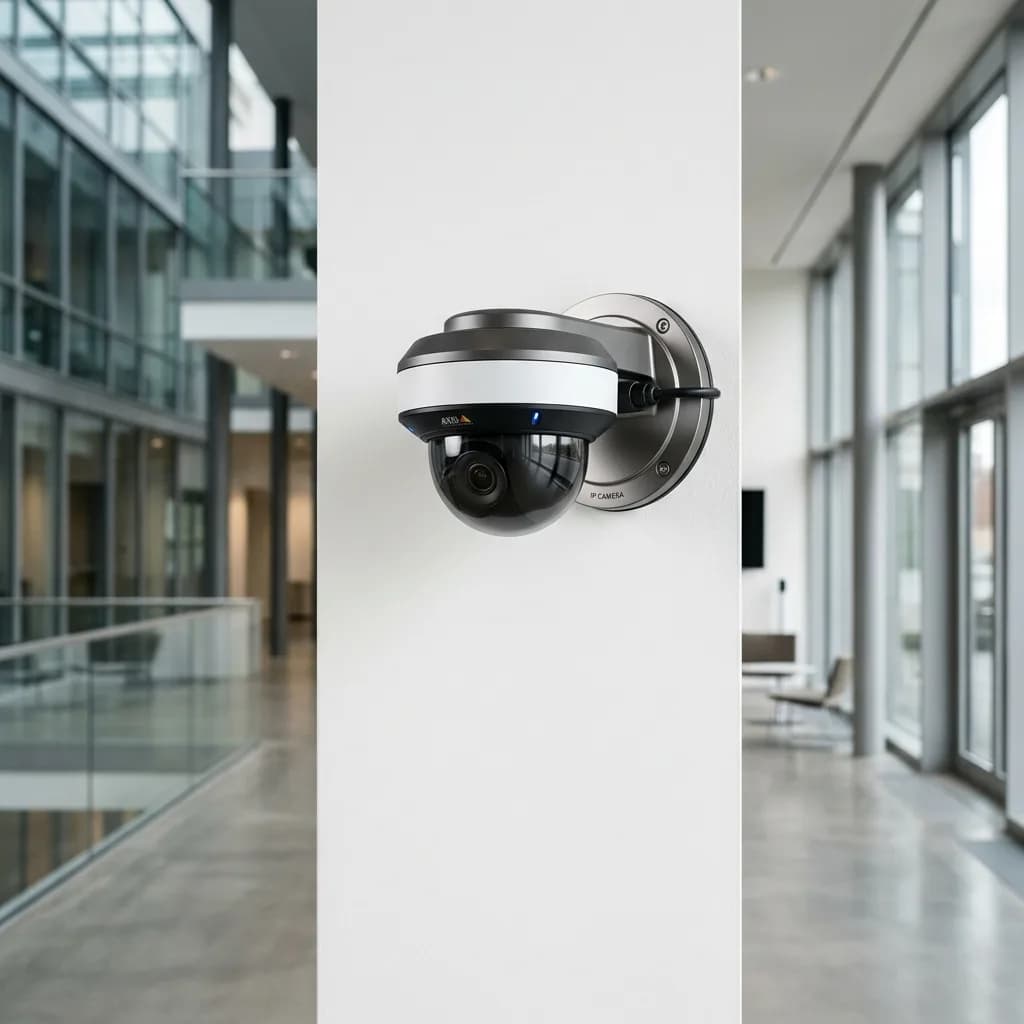
Each site tends to have its own NVR or DVR, and nothing ties them together.
Slow footage search
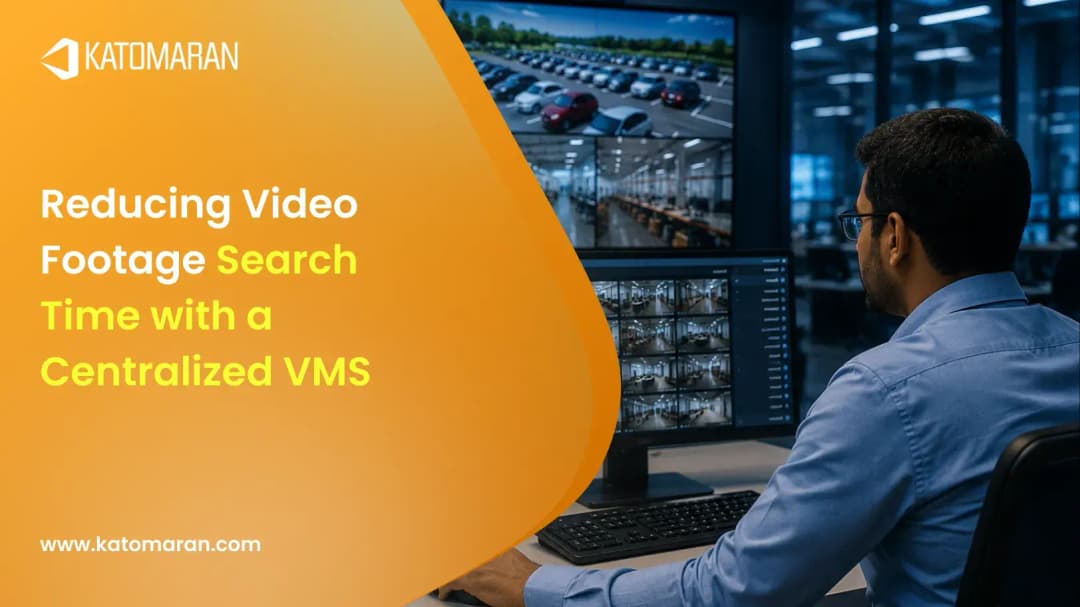
Scrubbing through a timeline for one clip often takes longer than the incident lasted.
Multi-site visibility gaps
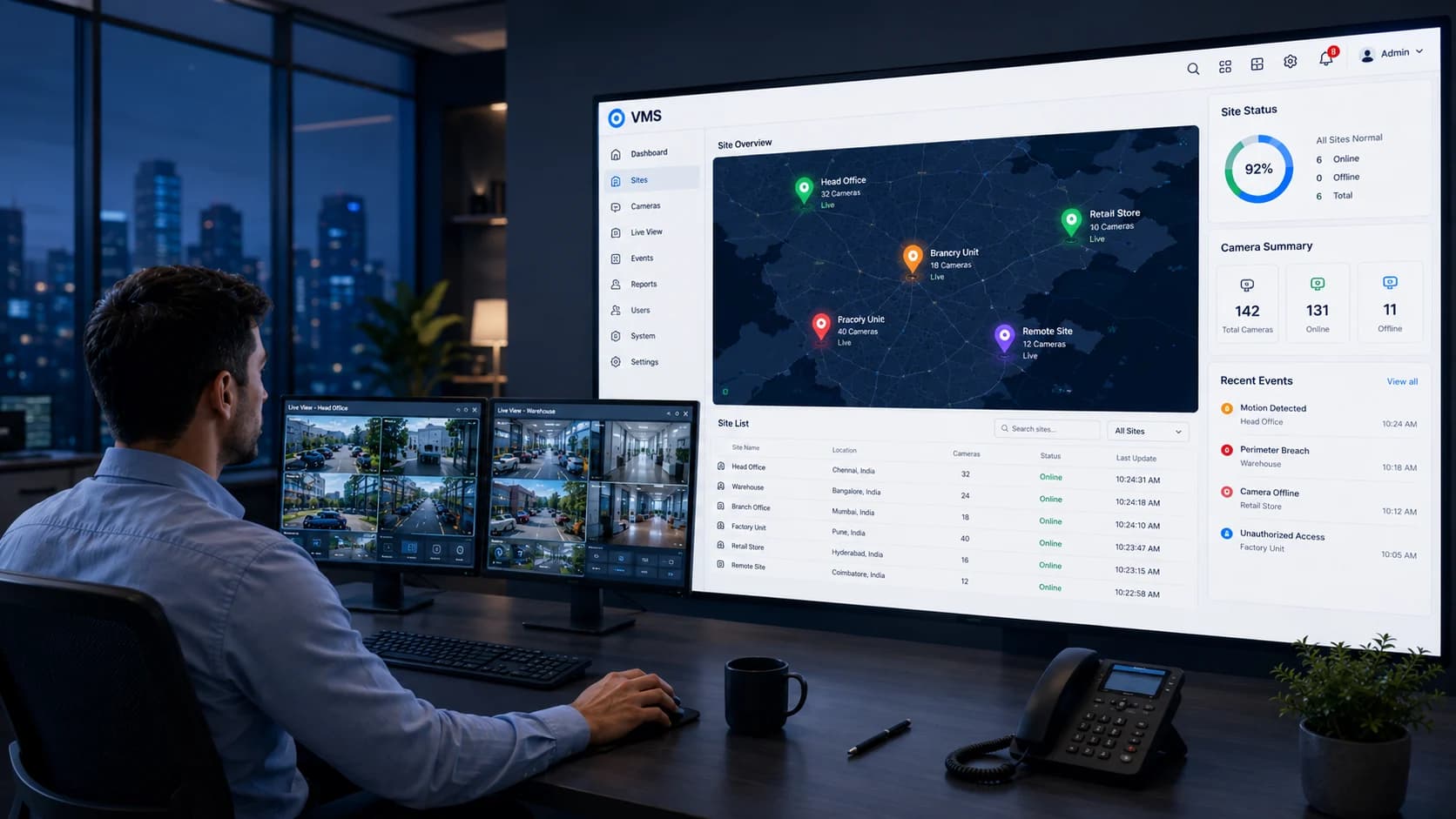
Checking a branch office or remote site means logging into yet another system, so it rarely happens on time.
Limited scalability
Traditional recorders have a fixed channel count. Once you hit it, adding cameras means buying more hardware.
Weak audit trails
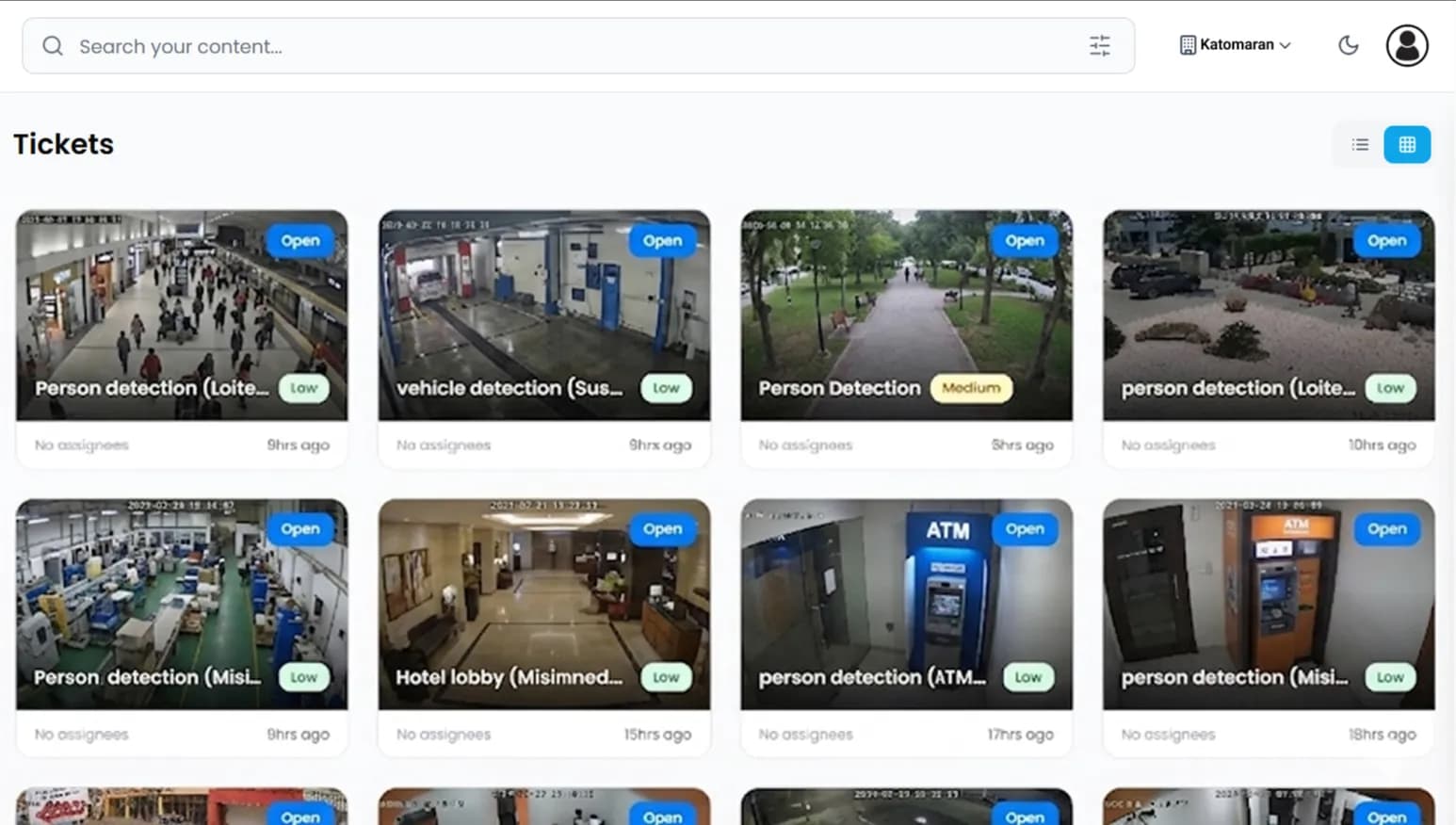
Basic systems can't tell you who opened which footage, when, or from where. That gap shows up during compliance reviews.
Advanced VMS Software for Centralized Video Monitoring
VMS Platform Features
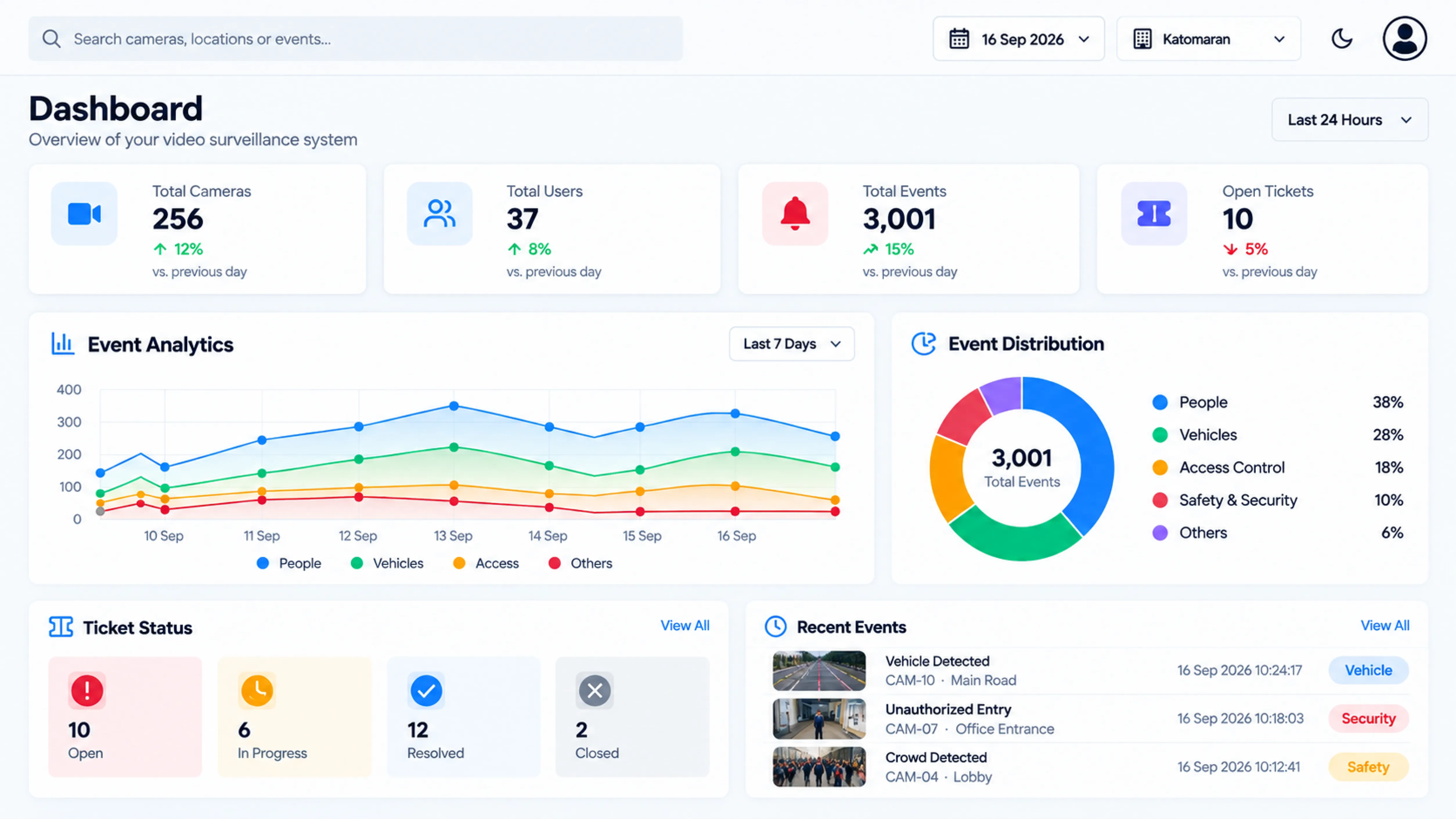
Smart VMS Dashboard
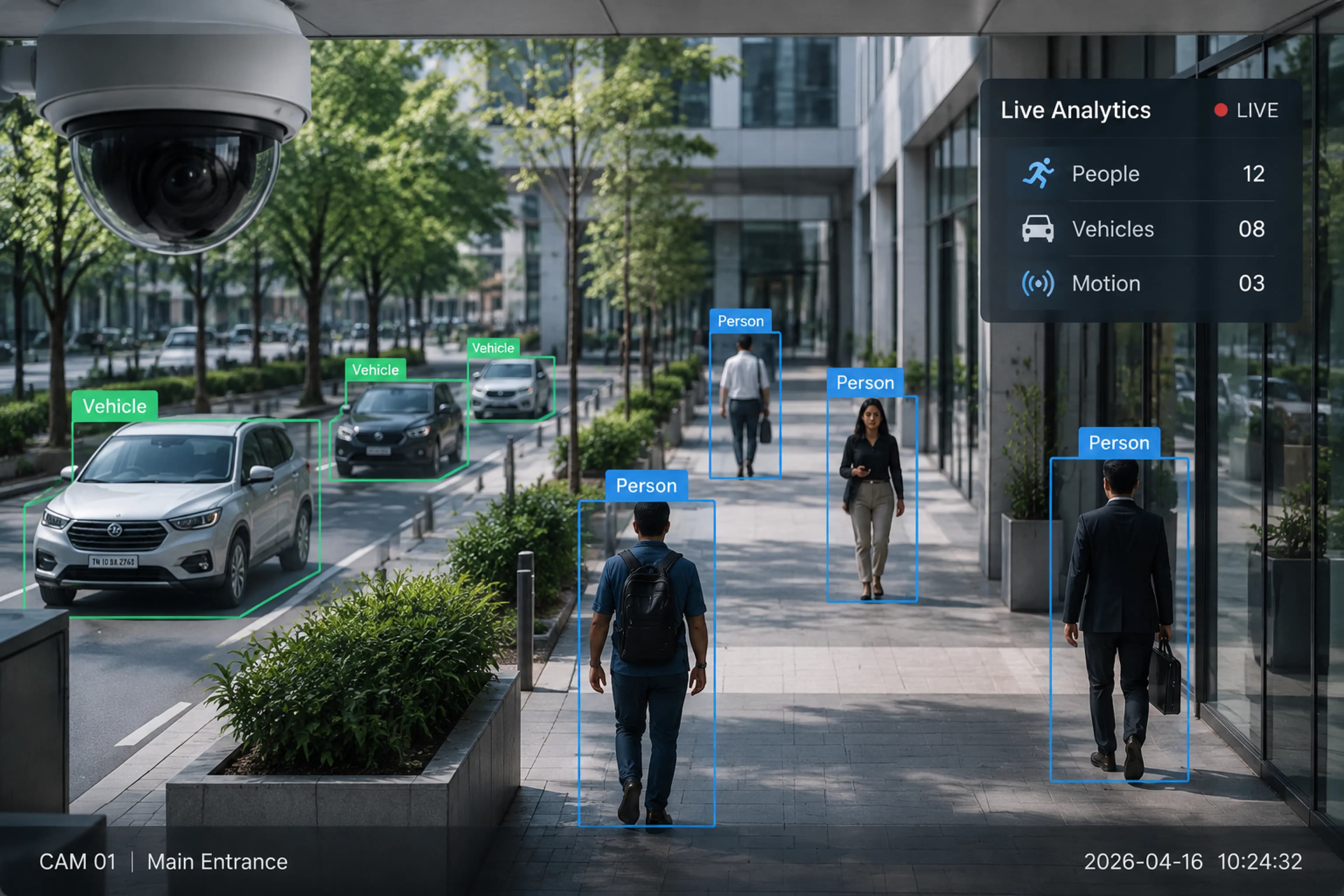
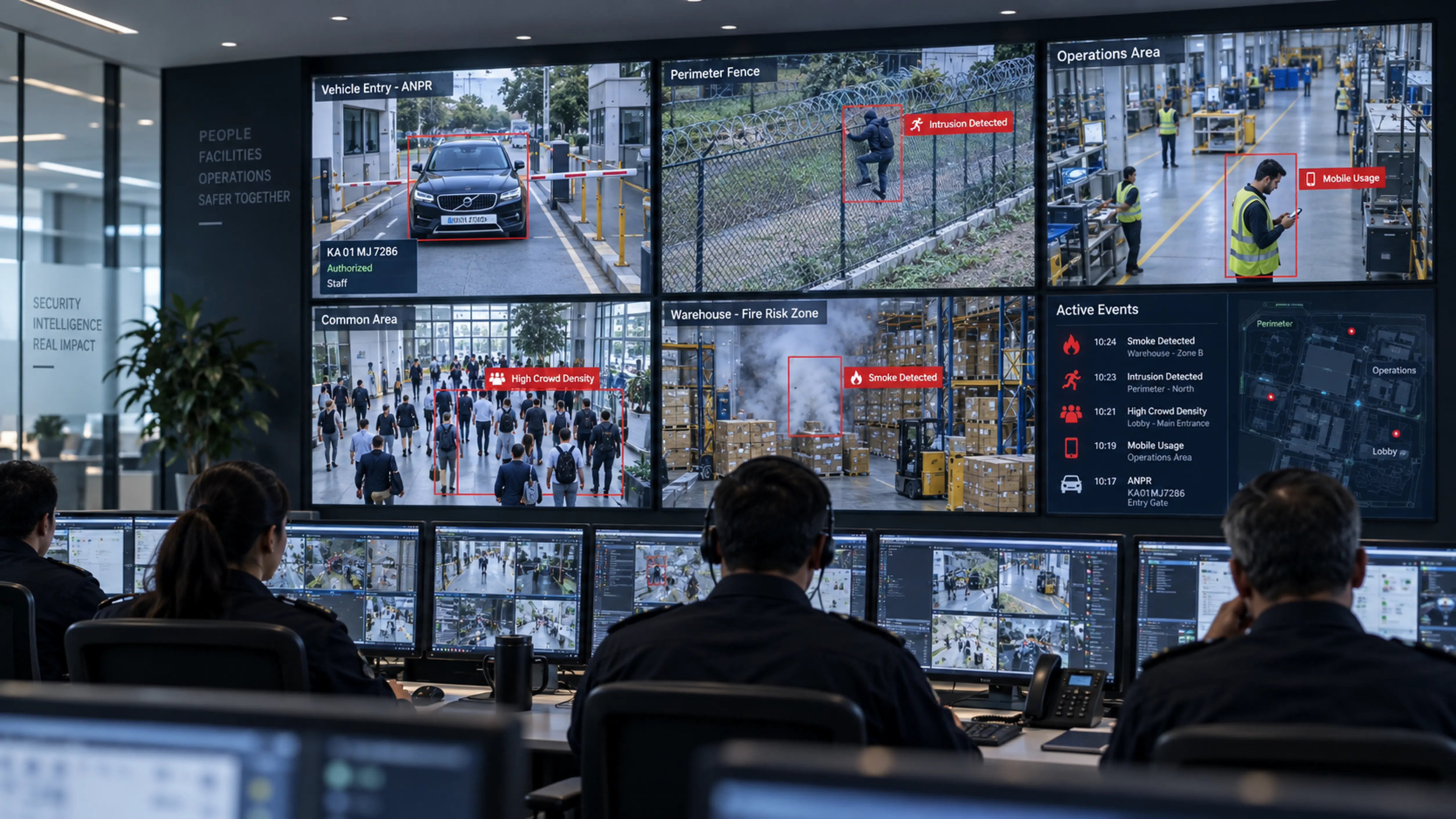
AI Video Analytics Support
Storage Management
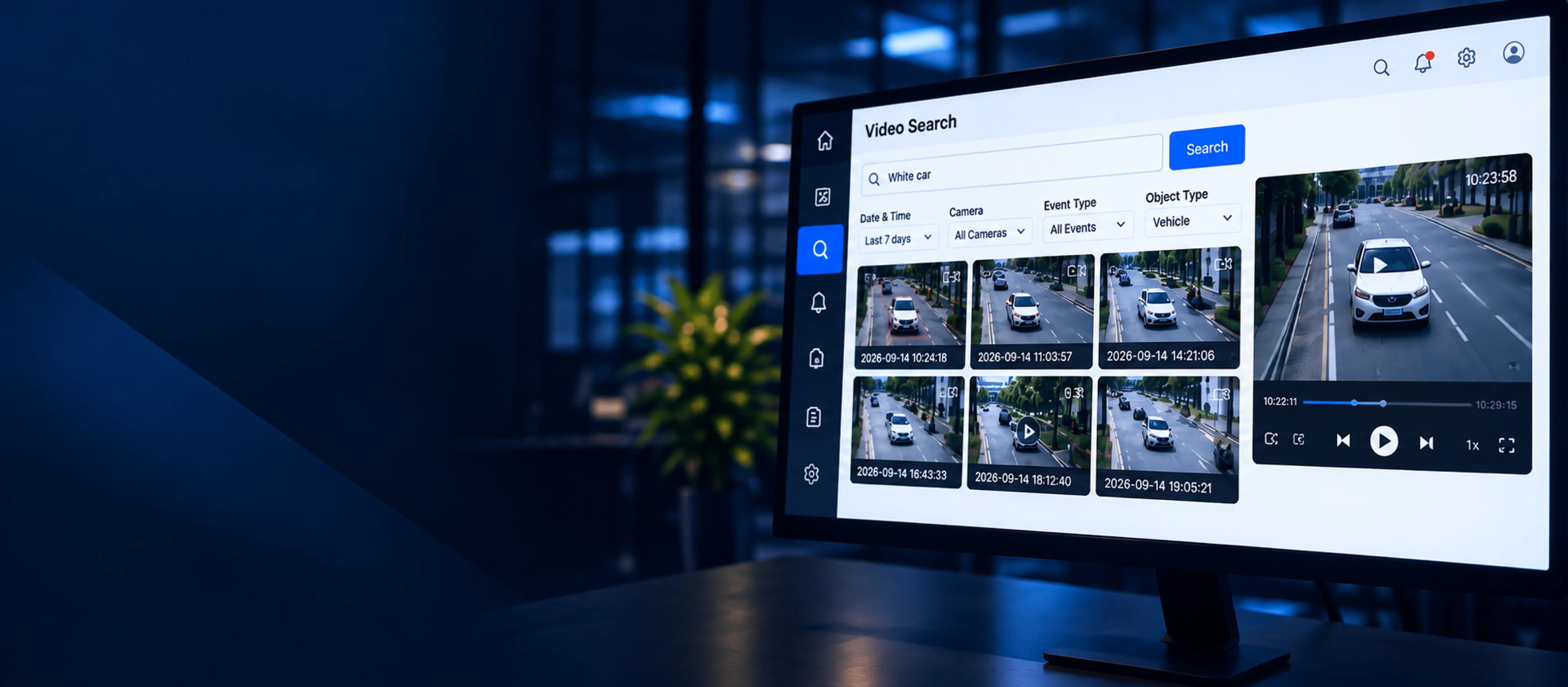
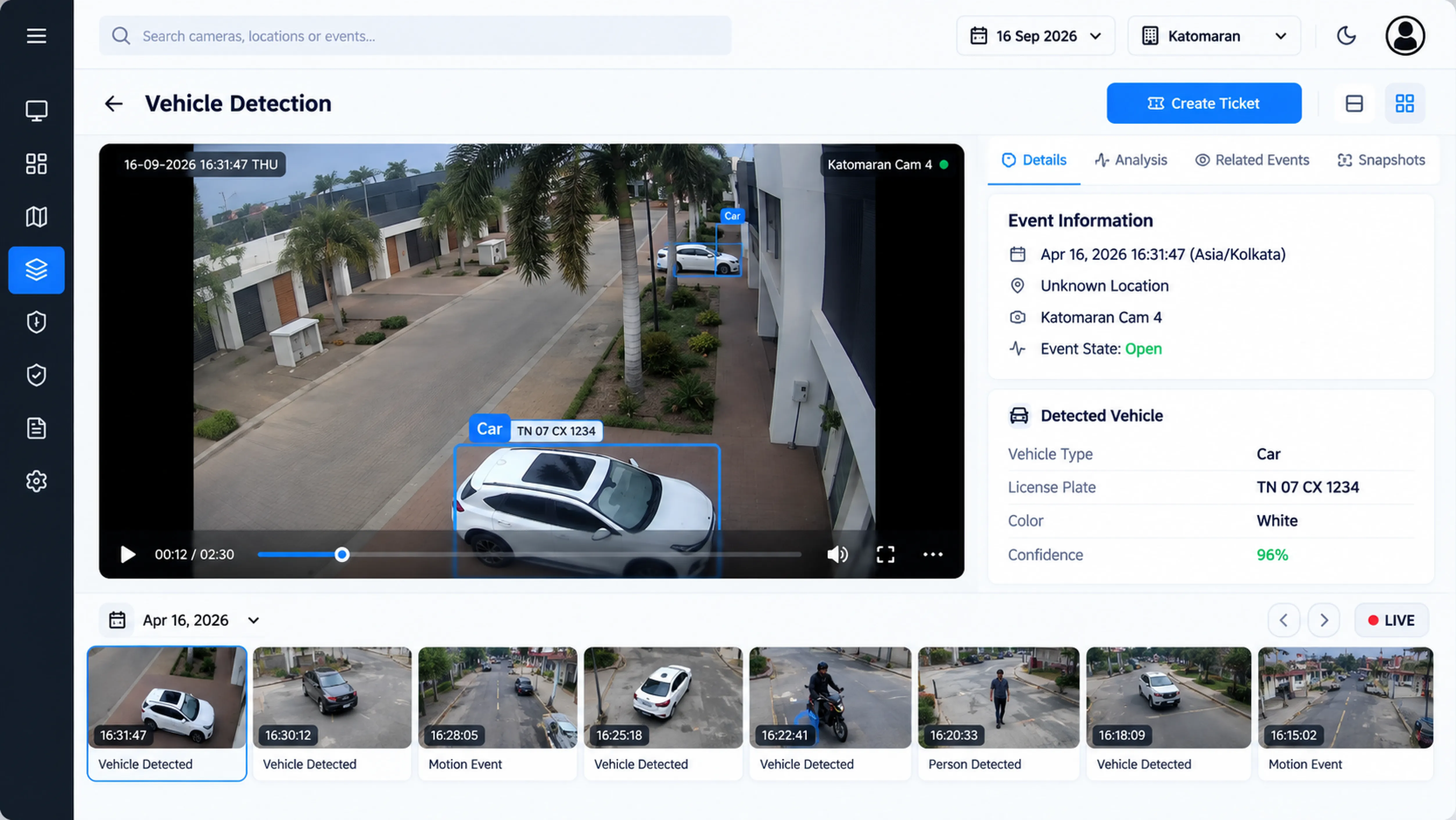
Advanced Video Search
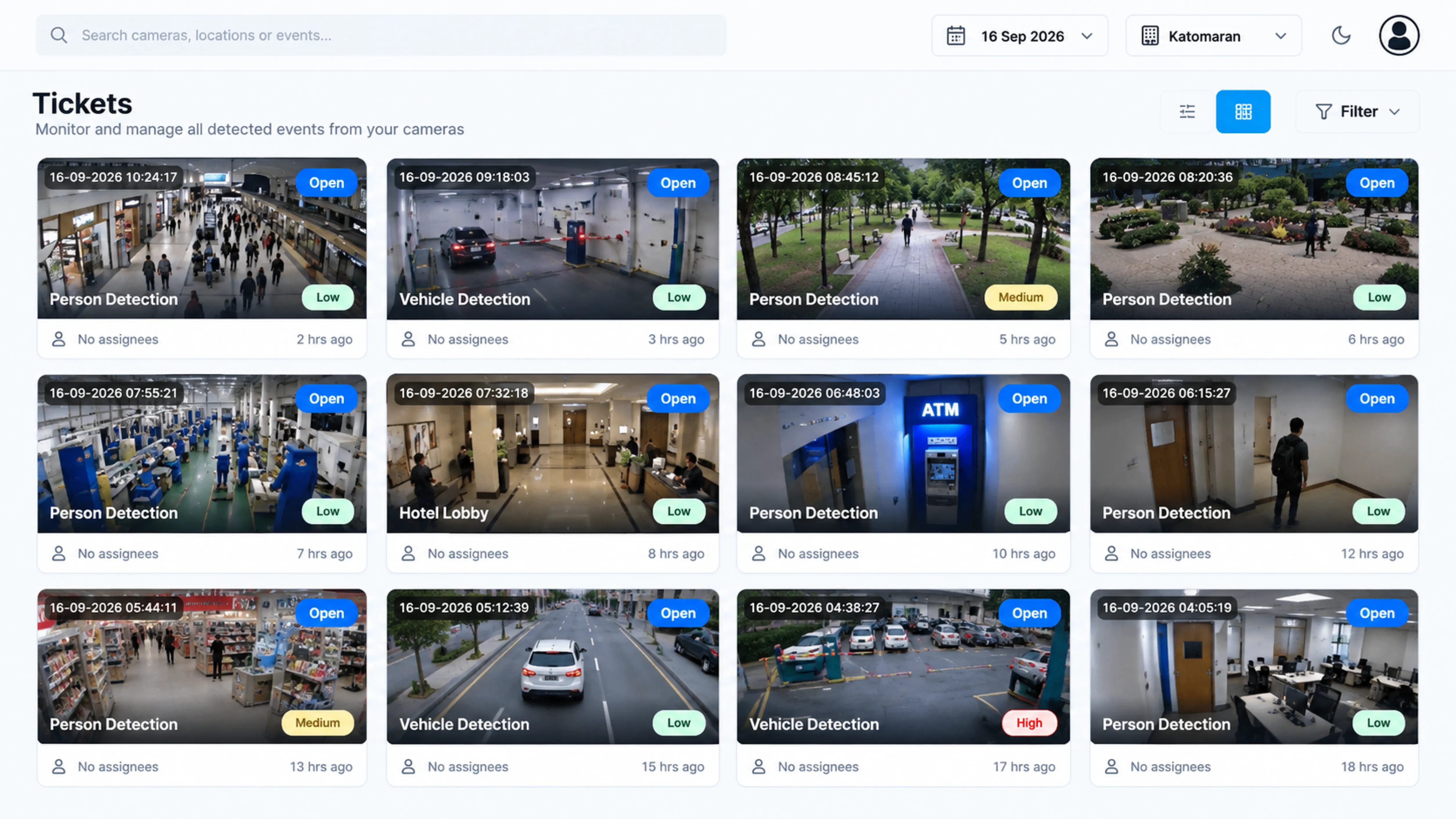
Incident Management Tools
Multi-User Collaboration
Failover and Continuity
Scalability
How Video Management System Works
Connect & Stream
New cameras and ones already on your CCTV network send live video straight into the platform, along with other connected devices.
Process & Record
The platform processes video and stores it securely for live viewing and later review. Retention is set per site or camera group.
Monitor & Manage
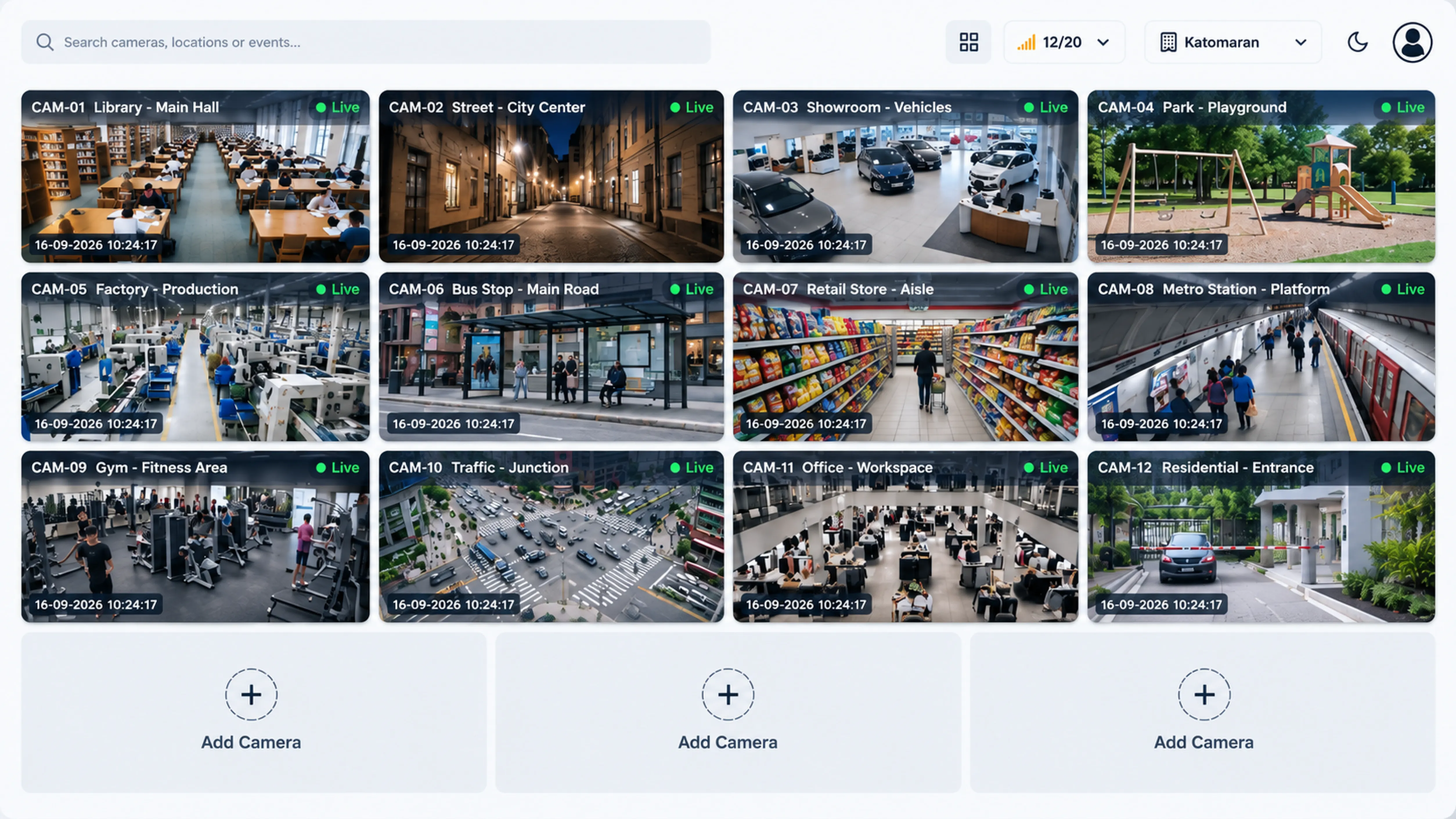
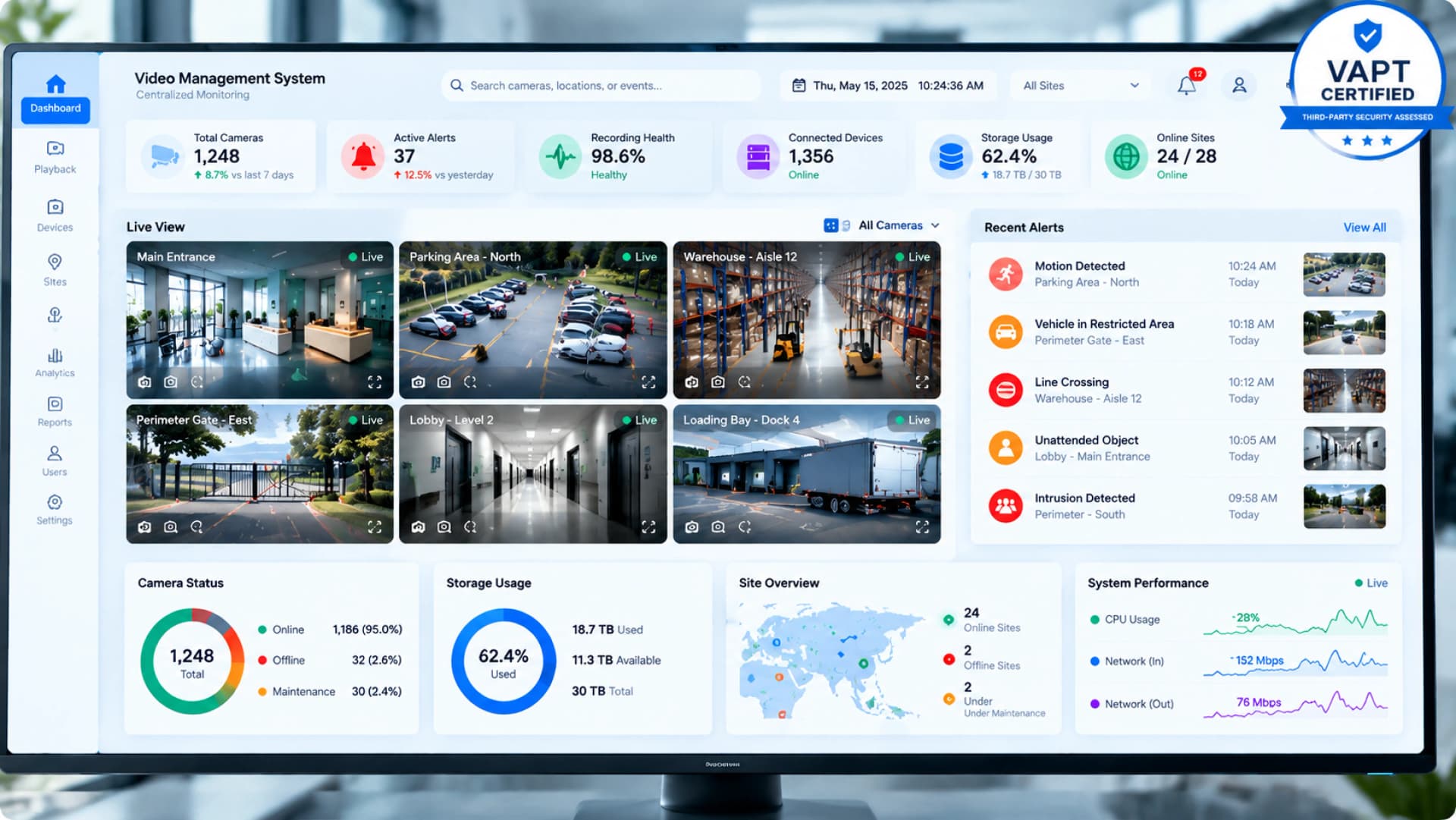
From one dashboard, operators watch live feeds, keep tabs on all sites, and control cameras and alerts.
Search & Respond
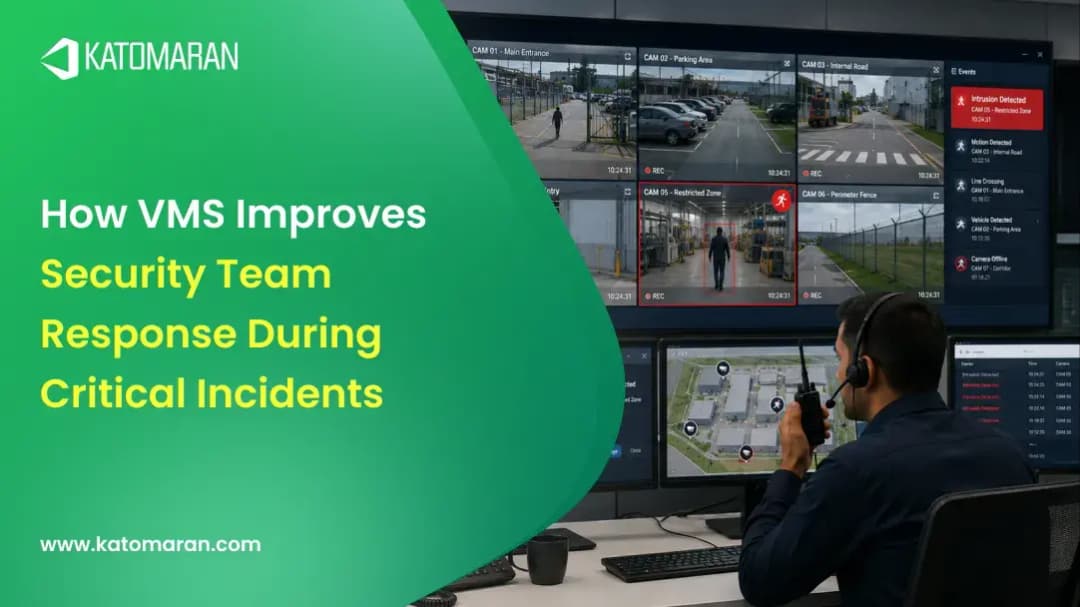
After an incident, the team pulls up footage by event, time, or camera and handles the follow-up with built-in incident tools.
Why Choose Our Video Management
System?
Why Choose Our Video Management
System?
Built for Indian Deployment Conditions
Anyone comparing VMS Software India options knows the reality: patchy networks and a mix of camera brands on the same site. We designed the platform around those conditions.
Open Platform
Works with ONVIF and RTSP cameras, IoT devices, and access control systems, so you pick your own hardware.
Multi-Site Readiness
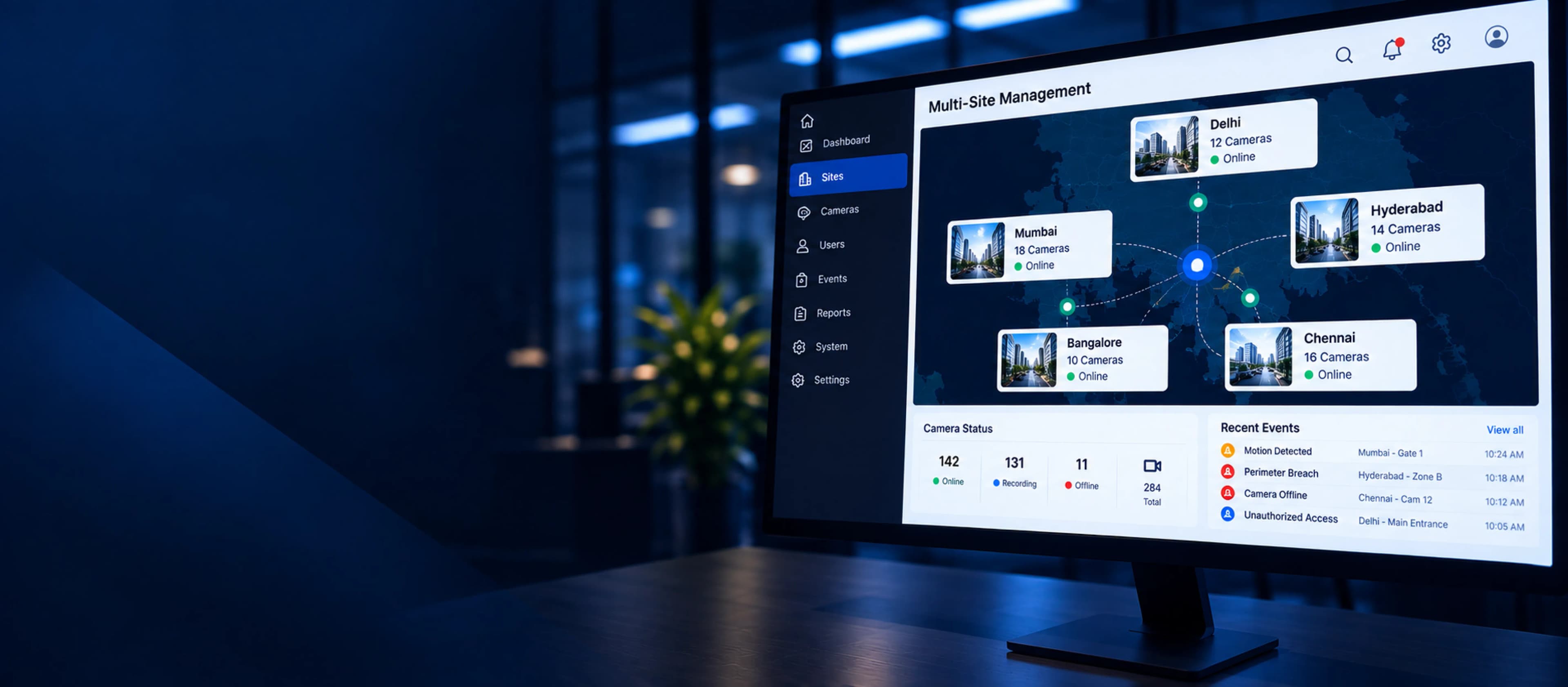
Run one office or hundreds of locations on one platform, from a single central view.
Flexible Deployment
Choose on-premise, cloud, or hybrid depending on what your site's infrastructure can handle and what your data policies allow.
Integration Capability
Plugs into Katomaran's own AI analytics, face recognition, and traffic management modules, and into third-party tools through open APIs.
VMS Use Cases Across Industries
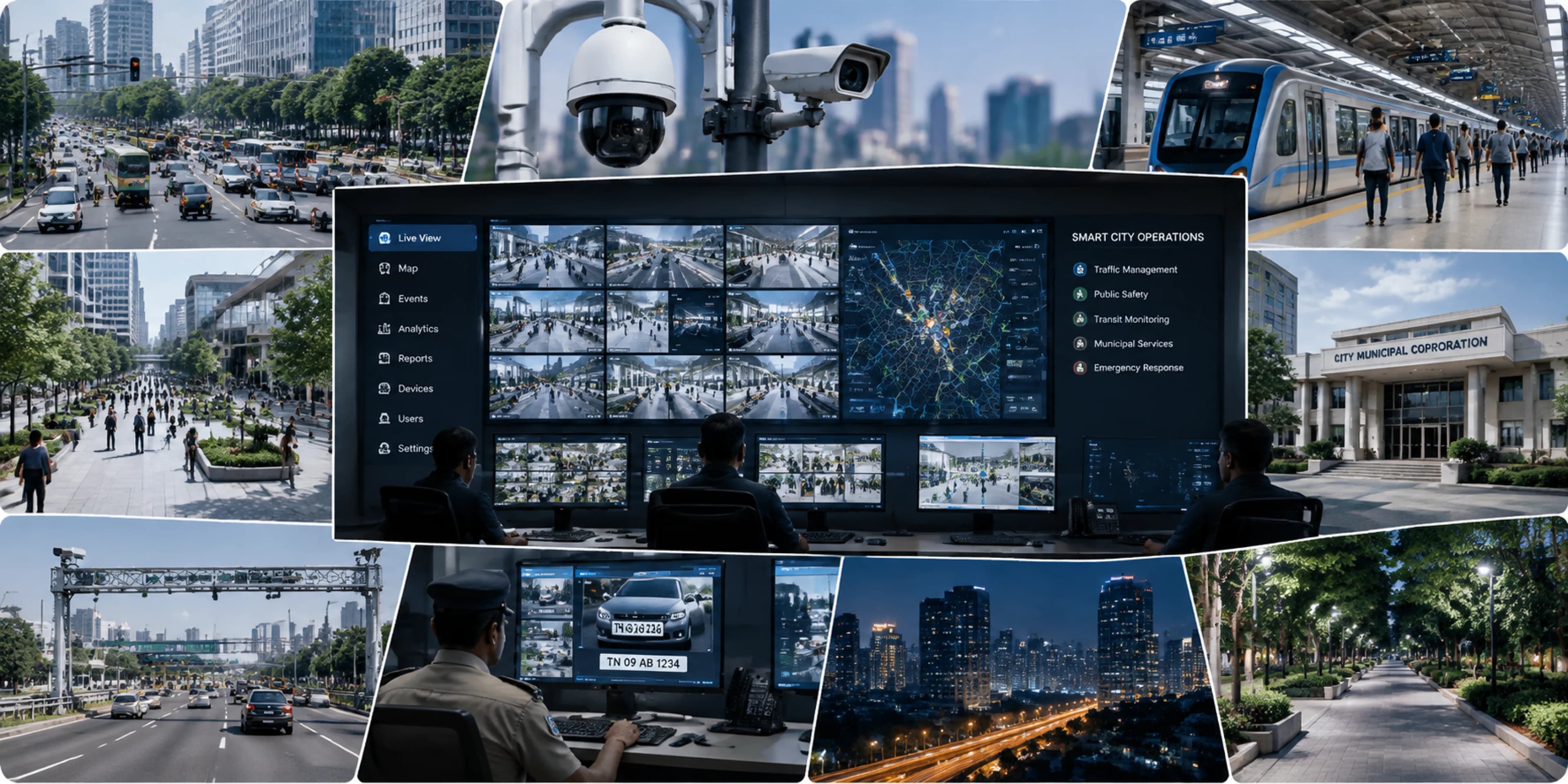
VMS for Smart Cities
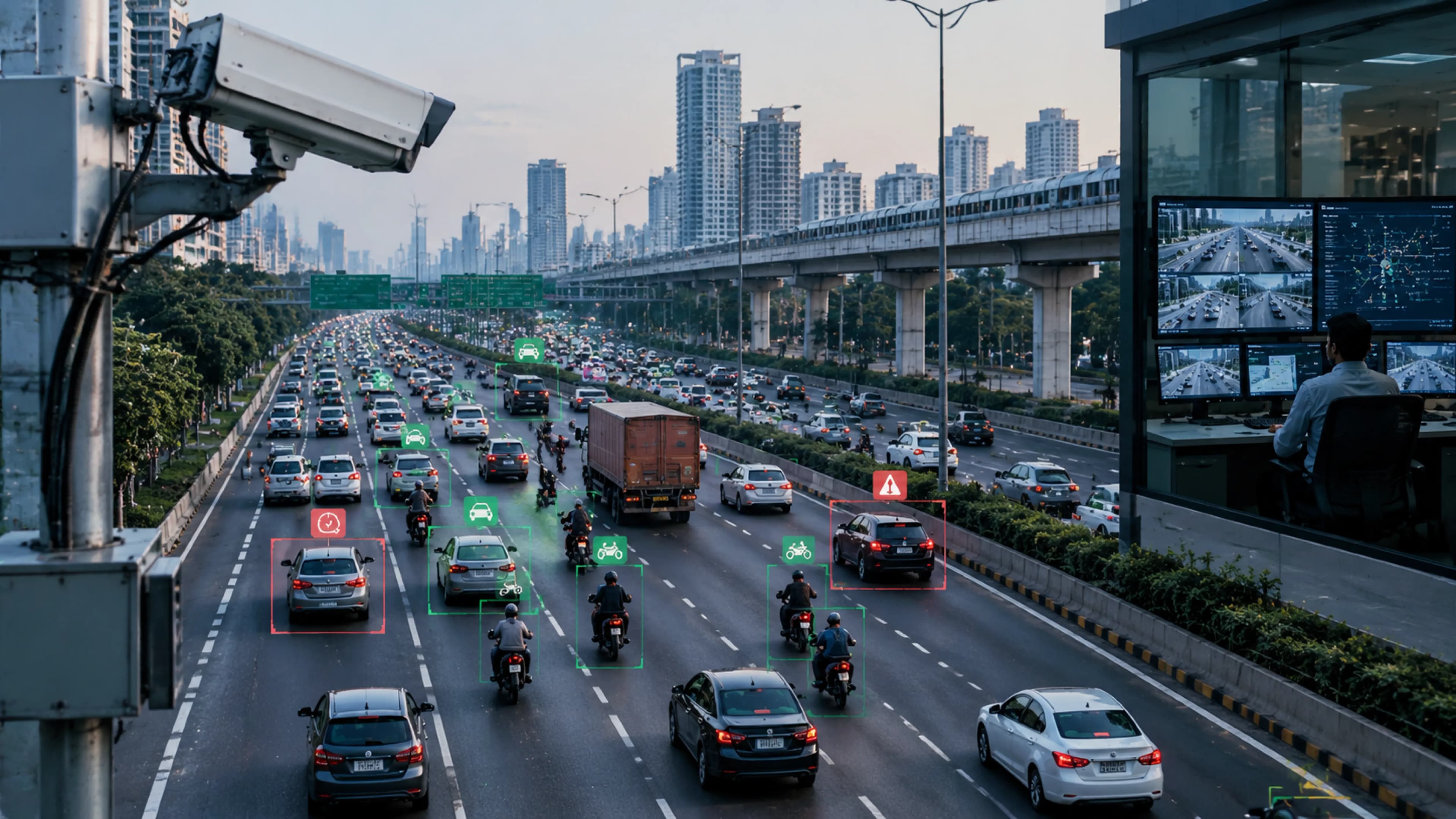
Traffic junctions, public spaces, transit hubs, and municipal buildings all run on one platform. The command centre sees everything, agencies can coordinate, and evidence is stored securely. Different departments no longer need separate systems to handle smart city surveillance.
Katomaran VMS vs Traditional NVR
← Swipe to compare →
VMS Integration & Compatibility
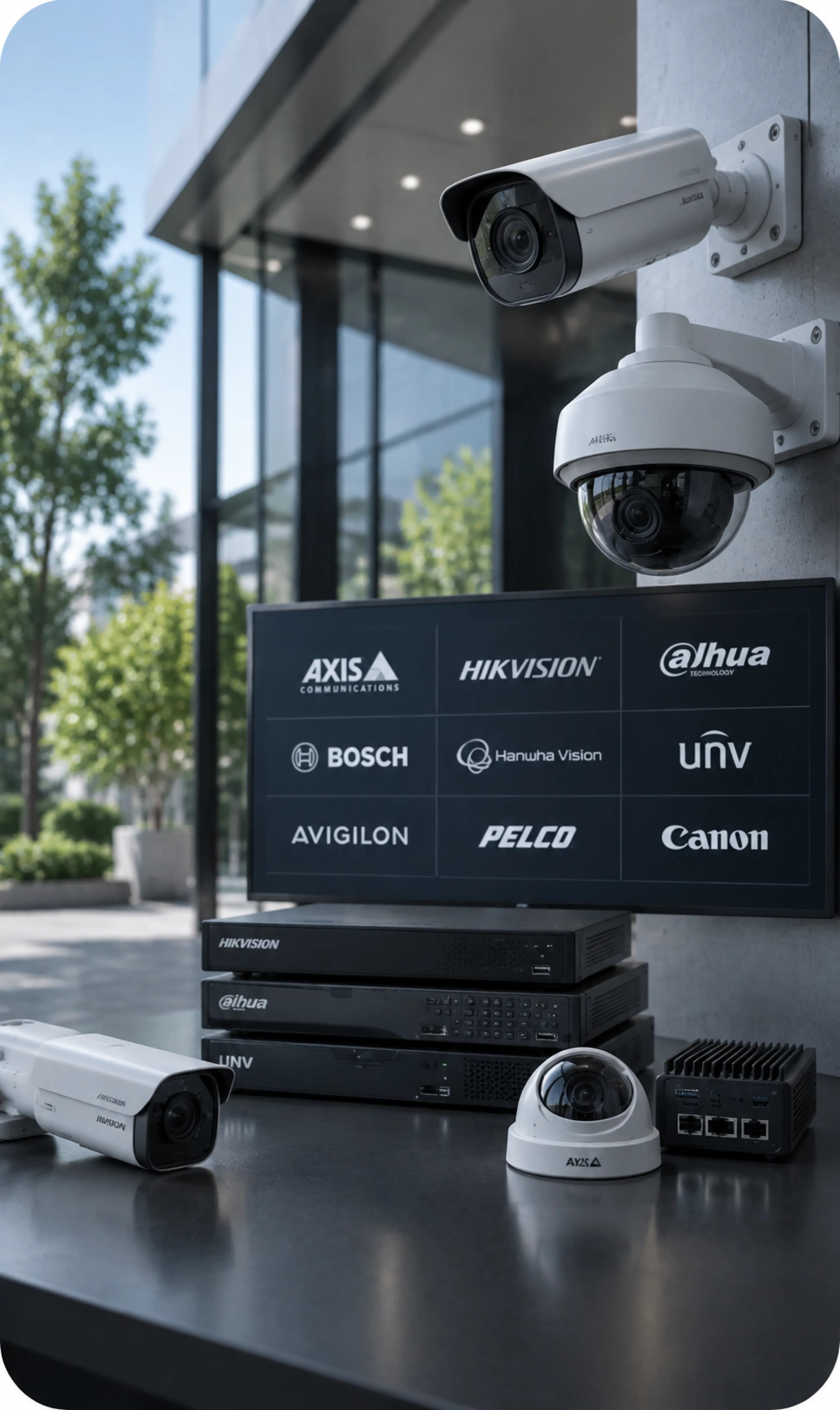
Camera & Hardware Compatibility
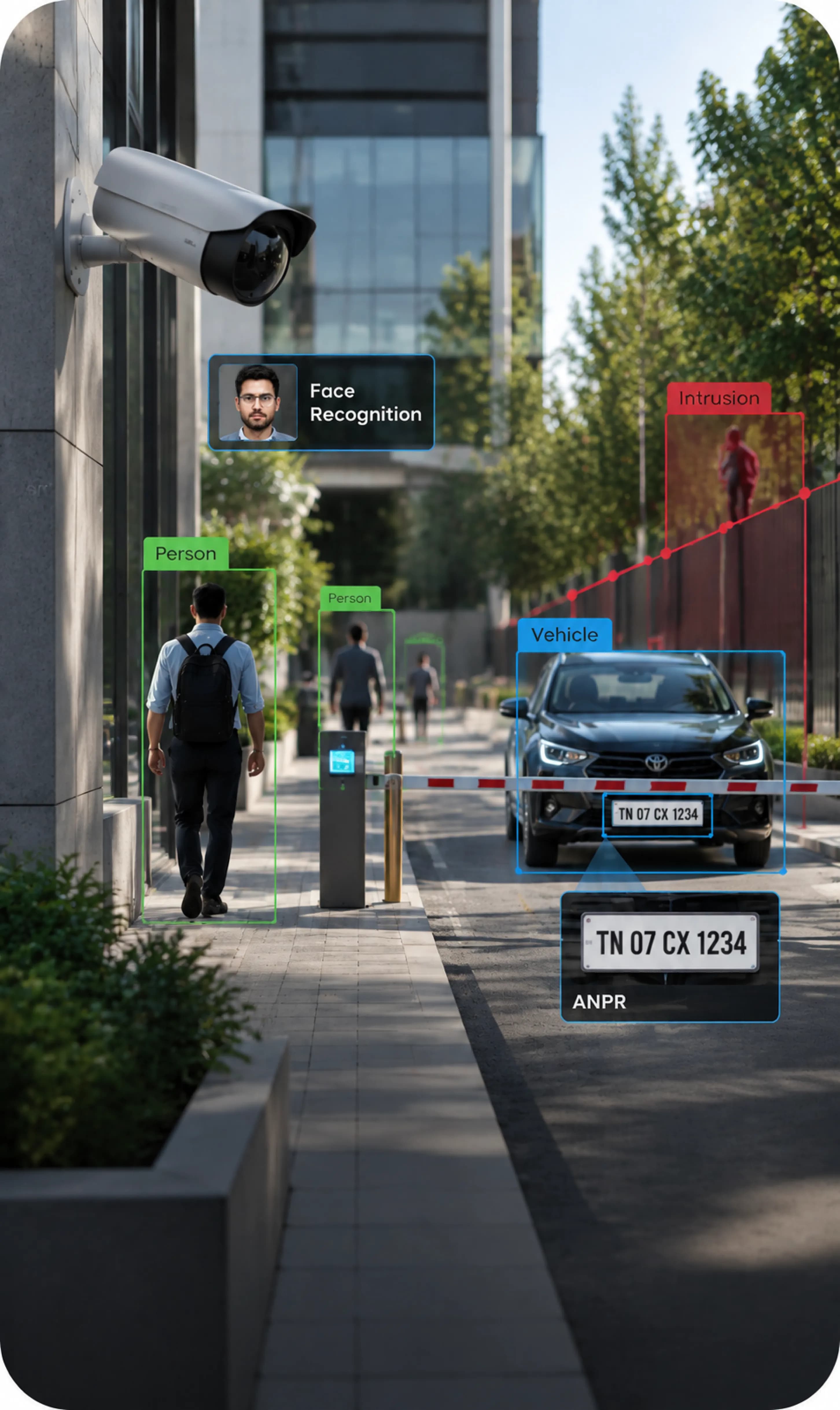
AI & Analytics Integration
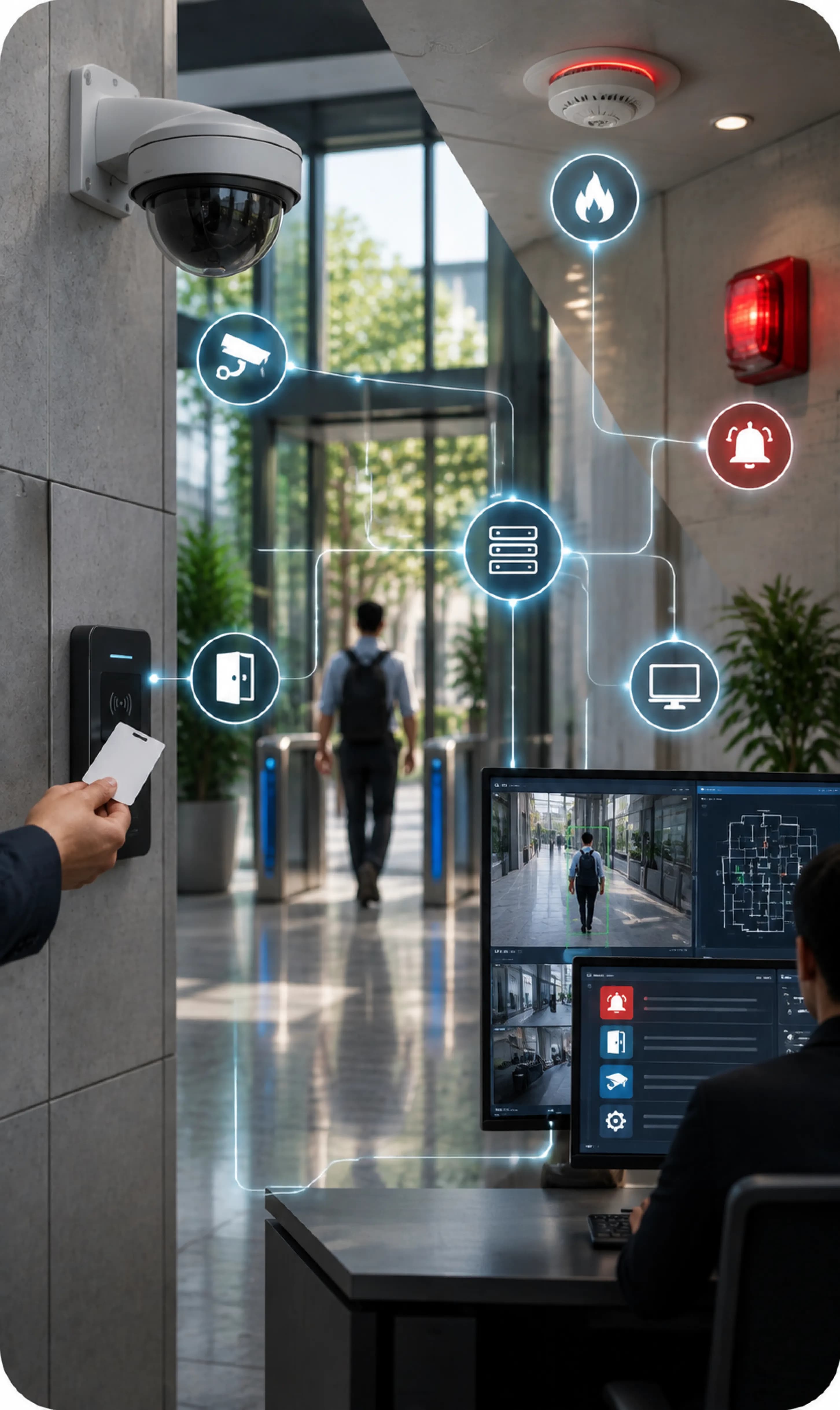
Enterprise & Security System Integration
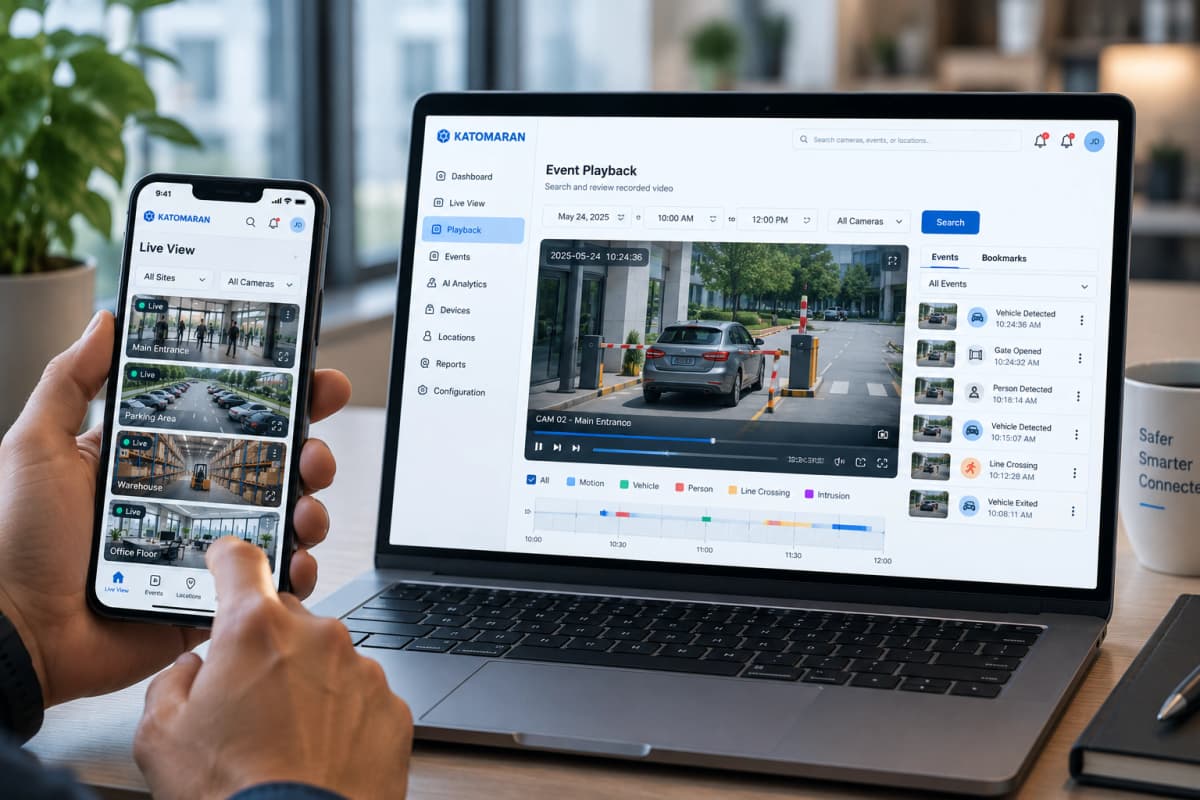
Remote Access Anytime Anywhere
Web Portal
Log in from any modern browser without installing anything. View live feeds, go back through recordings, manage cameras at every site, and give teammates access over a secure cloud connection. It's an easy way to run a centralized video management system away from the control room.
Mobile App
The iOS and Android app gives you the same control on your phone. Watch live video, review saved footage, pan and tilt PTZ cameras, and receive a push alert as soon as something is flagged. It's a complete remote video monitoring system in your pocket.
Encryption, automatic sync, and single sign-on keep things secure, no matter who logs in or from where. Someone sitting in the control room and someone checking in from another city see the same system, with the same controls.
Flexible, Secure & Scalable VMS Architecture
Centralized Multi-Site Monitoring
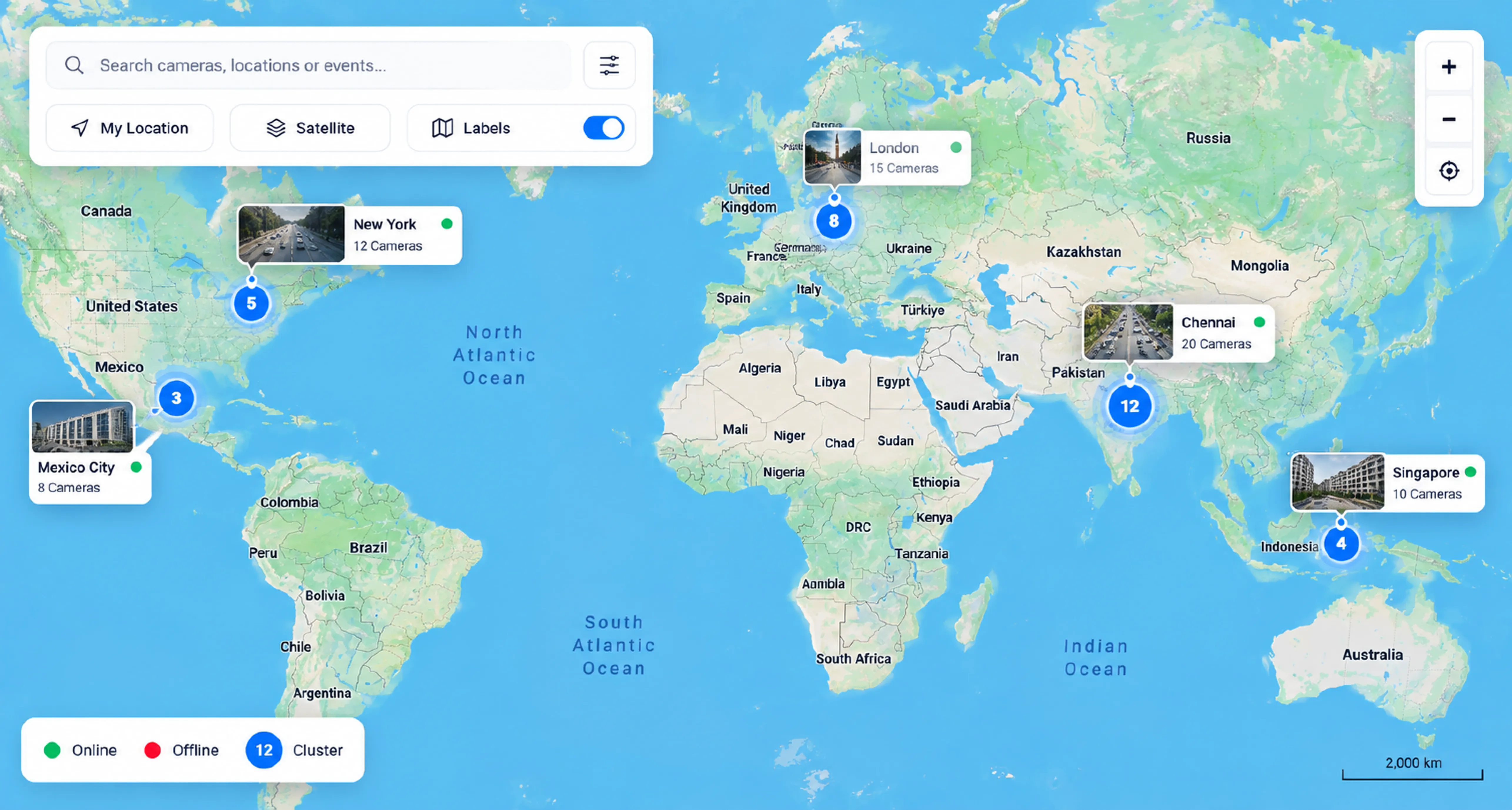
One console shows you every site at once.
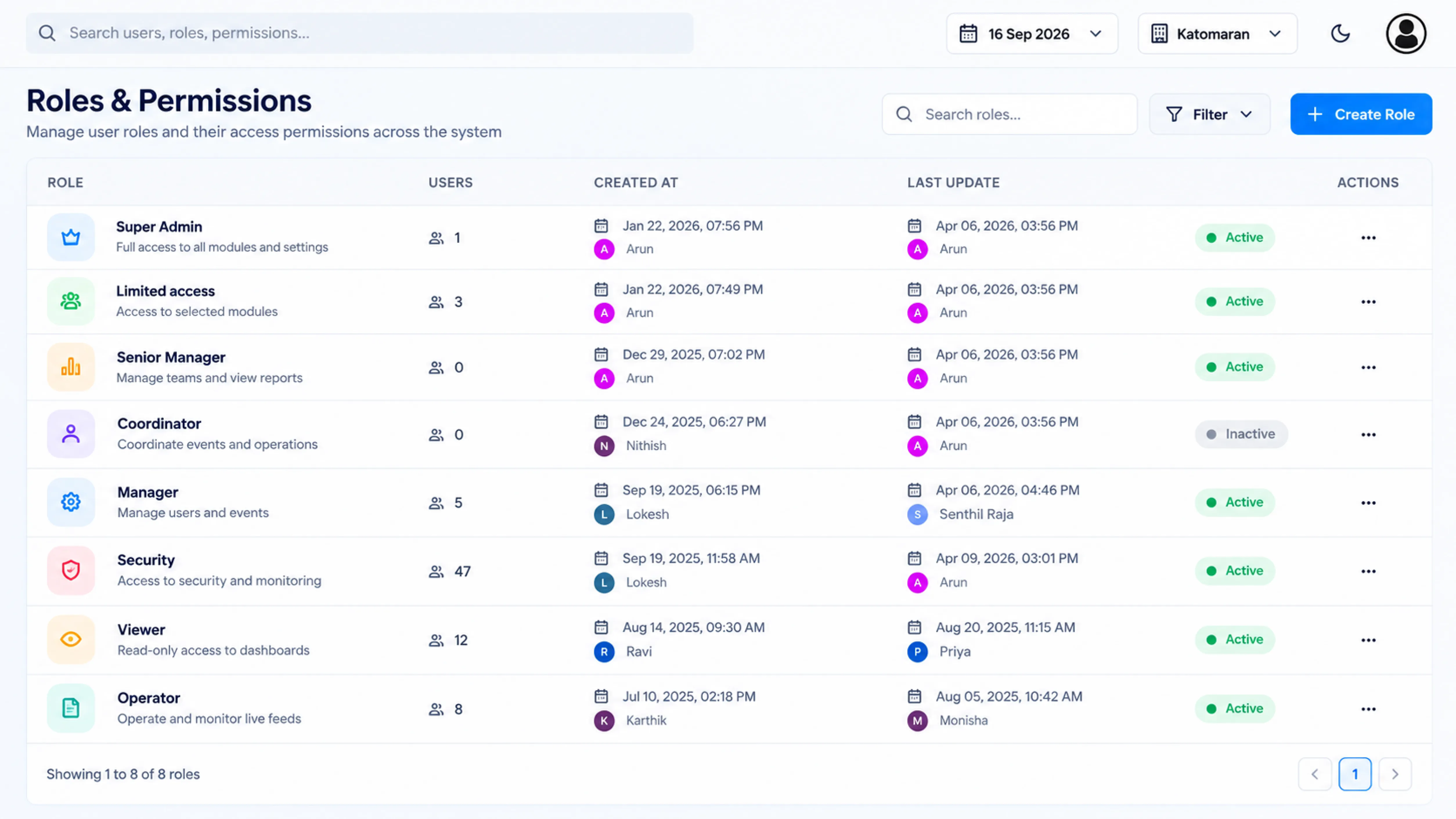
Role-Based Security & Audit Logs
Staff see what their role allows. Actions get logged.
New York
Active Node
London
Central Gateway
Dubai
Central Gateway
Singapore
Active Node
On-Premise, Hybrid & Cloud Deployment
Keep video on-site, in the cloud, or split it.
Open Platform & Camera Compatibility
Your current cameras and devices can usually stay.
ONE PLATFORM. A SAFER, MORE CONNECTED WORLD.
Benefits of Centralized VMS
VMS Deployment Models
VMS Deployment Models
On-premise
You own the hardware and decide where data sits. Best for strict compliance or limited bandwidth.
Cloud
No local servers to maintain. Setup is quicker and scaling is simpler, which suits smaller or newer sites.
Hybrid
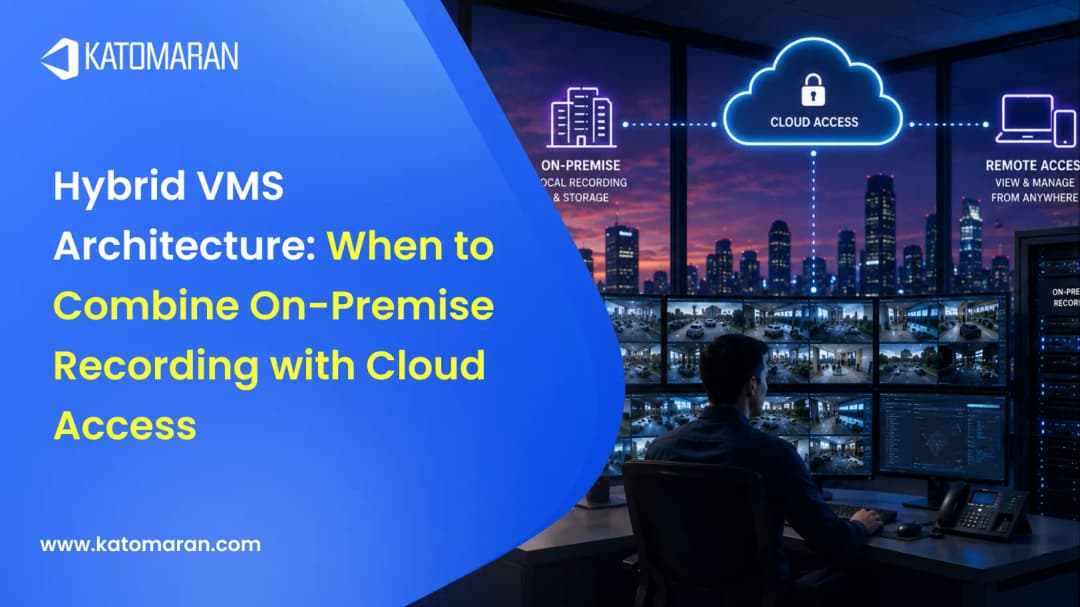
A hybrid VMS architecture keeps video on-site so playback is fast, while management and remote access run in the cloud.
Related AI Surveillance Solutions

VAPT CertifiedVideo Management System
With Katomaran's Video Management System, organizations handle live feeds, playback, alerts, users, and devices for every site on one platform. It's designed for enterprise teams, with secure monitoring, quicker incident reviews, and the same level of control at one location or across many.



Set Up Your Smart VMS Today
Send us a rough count of your cameras and sites, plus what's bothering you about the current setup. We'll show you how the VMS would fit, on-premise or cloud.
Video Management System FAQs
1. What is a Video Management System (VMS)?
1. What is a Video Management System (VMS)?
Think of it as the control software for your cameras. Footage from every CCTV or IP camera is recorded there, and your team watches it on one screen. It also handles playback, search, alerts, and user access, so staff never need to juggle separate tools for each task.
2. How is a VMS different from an NVR?
2. How is a VMS different from an NVR?
An NVR is a recorder box, and once its channels fill up, you buy another box. Each box is also managed separately. A VMS is software. It easily takes on more sites and more cameras, and it can run analytics on the same footage as well.
3. Can a VMS manage multiple sites from one place?
3. Can a VMS manage multiple sites from one place?
That's what most of our customers use it for. Someone at head office opens one dashboard and checks a branch in another state, a campus, or a city junction. Alerts from every location arrive in the same place, so nobody has to travel to see what's happening.
4. Is Katomaran's VMS compatible with our existing cameras?
4. Is Katomaran's VMS compatible with our existing cameras?
Probably. We support ONVIF and RTSP IP cameras from most major brands. That usually means your current setup can connect without any new hardware, which protects what you've already spent on cameras and cabling. Send us your camera list and we'll confirm before anything gets replaced.
5. What deployment options are available?
5. What deployment options are available?
You can host it on your own servers, run it in the cloud, or mix the two. Most teams decide based on their data rules and how much bandwidth each site has. Our team can review your setup and recommend the option that fits before rollout begins.
6. Can I access the VMS remotely?
6. Can I access the VMS remotely?
Yes, from a browser or our iOS and Android app. Managers can watch live feeds, review recordings, and respond to alerts while travelling or working from another site. Access is controlled by user role, and connections are encrypted, so working remotely doesn't open new security gaps.
7. Does the VMS scale as we add more cameras or sites?
7. Does the VMS scale as we add more cameras or sites?
It does. You could start with ten cameras in one building and later run several thousand across cities, as in our city-wide VMS deployment in Cuttack, all on the same system. Adding new cameras or sites doesn't mean a new platform, a data migration, or retraining your team, so growth stays simple and predictable.
8. What security features does the VMS include?
8. What security features does the VMS include?
The VMS includes role-based access, a full audit log, and encryption for footage at rest and in transit. Each user sees only the cameras and actions their role allows, and every login, export, and setting change is recorded. We've also had the platform formally VAPT certified.