Introduction
A video wall should help a command center respond faster, not just display more screens. That sounds obvious, but many command centers still struggle with cluttered layouts, equal-sized camera tiles, and walls that look busy without actually helping operators make quicker decisions. In those cases, the issue is not the number of cameras or even the VMS itself. It is the way the wall is arranged.
A well-planned video wall layout helps operators understand what matters first. It reduces the time spent searching for the right feed, improves visibility during active events, and makes the command center easier to manage during high-pressure situations.
In this blog, we’ll look at how better VMS video wall layouts can improve response and what command centers should keep in mind when designing them.
What Is a VMS Video Wall?
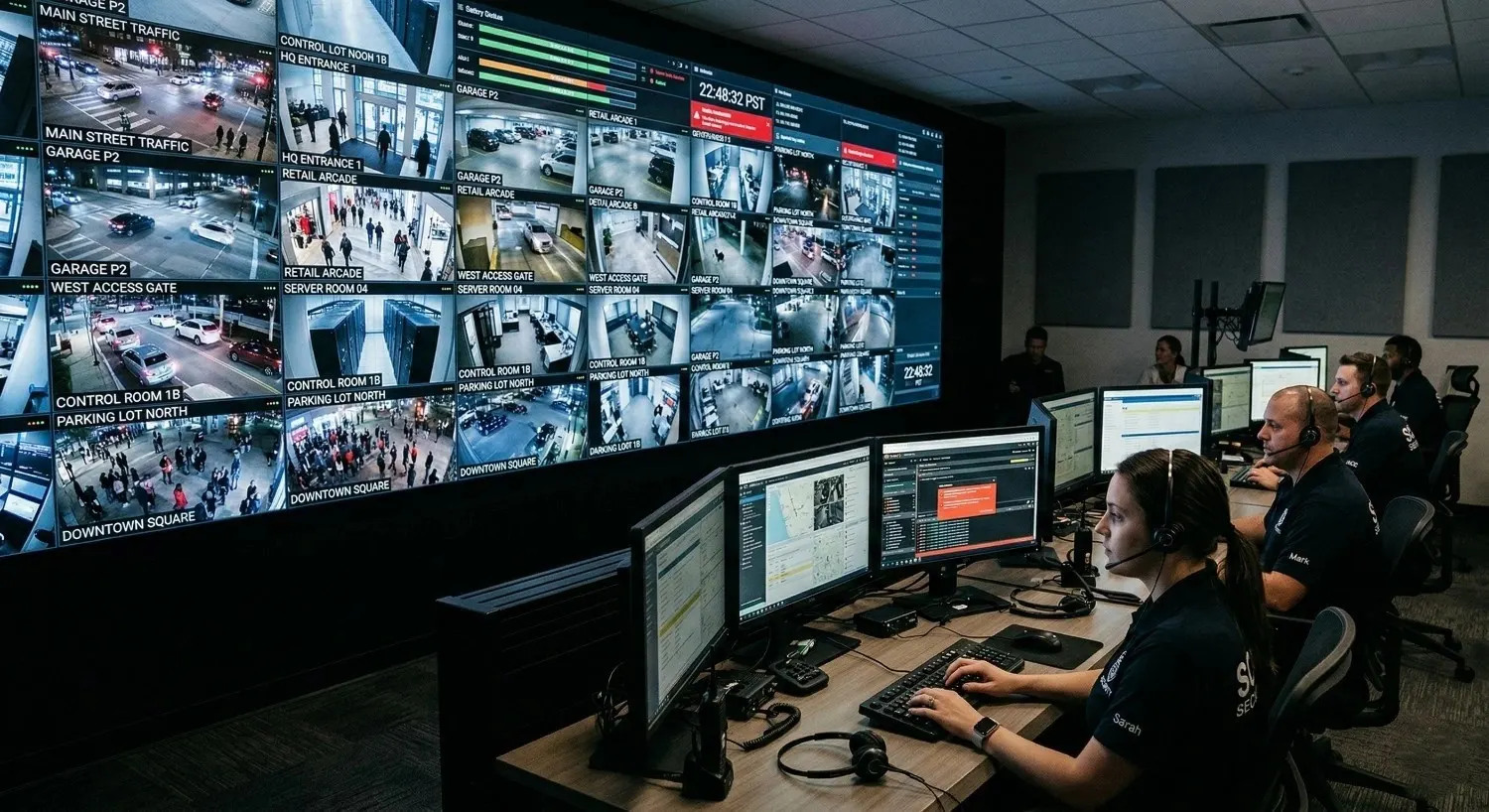
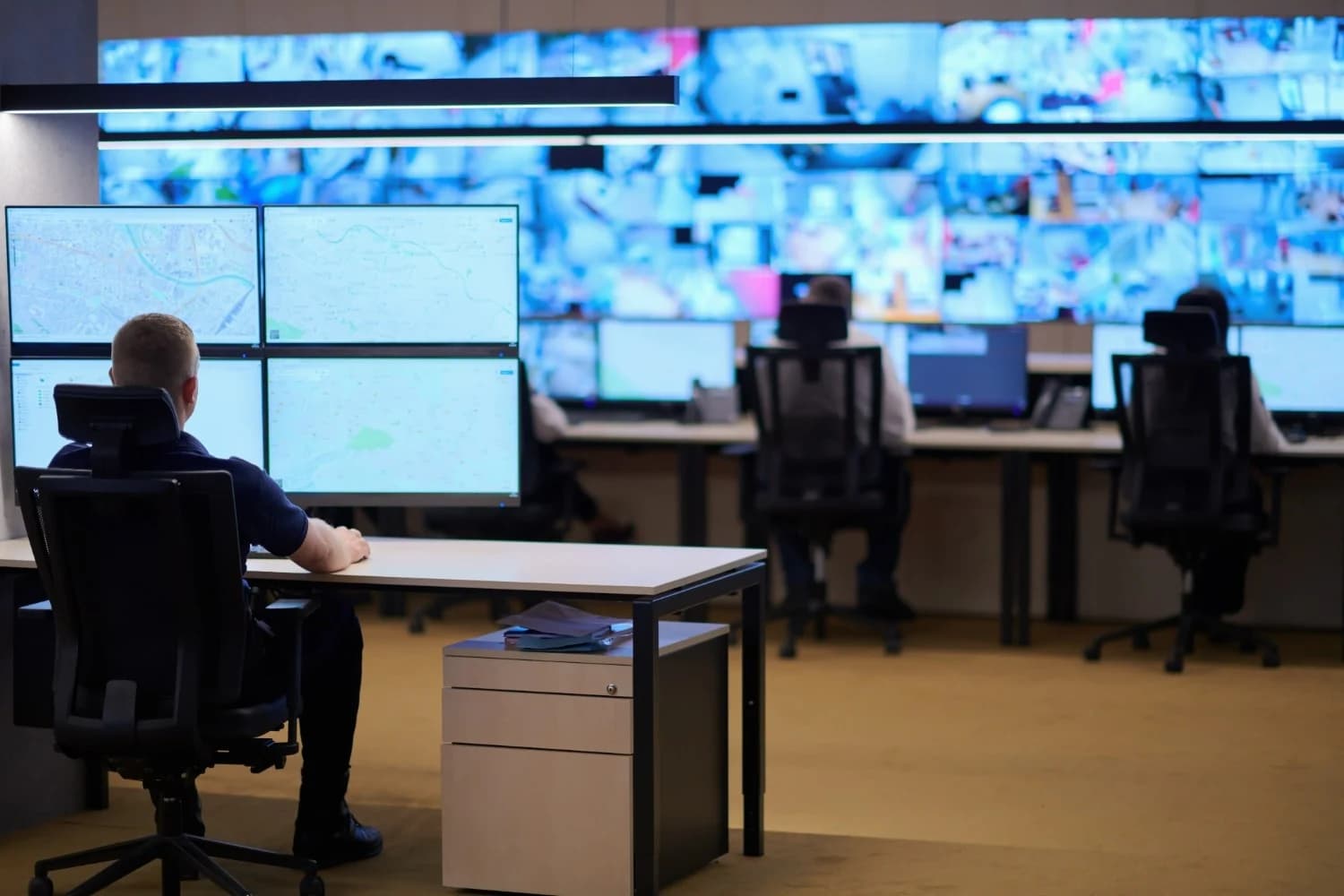
A VMS video wall is a large display setup connected to a video management system that shows live camera feeds, event views, alerts, and monitoring scenes in a shared command center environment.
Its role is not simply to show as many cameras as possible. Its real purpose is to help teams monitor intelligently. A strong layout gives operators a clear view of priority areas, makes incidents easier to verify, and supports better coordination across the room. That is why layout matters so much. A video wall is only useful when it helps people act faster.
Why Layout Has a Direct Impact on Response
In a command center, operators are constantly balancing awareness and attention. They need to keep track of the overall environment while also noticing when something unusual happens in a specific area.
A poor layout makes that harder. Important cameras may be buried among low-priority feeds. Related views may be placed far apart. Alerts may appear without enough visual importance. The result is delay, not because the incident is invisible, but because the screen makes it harder to interpret quickly.
A better layout creates order. It gives priority to the cameras that matter most, supports faster verification, and reduces the effort required to understand the wall. That difference becomes especially important when teams are handling live incidents where every second matters.
What Makes a Good Video Wall Layout?
A good video wall layout starts with prioritization. Not every feed deserves the same visibility at all times. Cameras watching entrances, restricted zones, perimeters, traffic hotspots, or alarm-prone areas usually need greater visual importance than routine background views.
It also needs balance. Operators should be able to see the broader situation without losing access to detail. If the wall only shows a wide context, key details can be missed. If it only shows close views, the bigger picture disappears. The most effective layouts combine both in a way that feels natural.
Flexibility is just as important. Command centers do not operate in one fixed mode all day. A useful layout should support routine monitoring, active incidents, after-hours security, and other operational scenarios without forcing teams to rebuild the wall every time priorities change.
Best Practices That Actually Improve Response
The most effective VMS video wall layouts are usually simple in concept. They are designed around real operator workflow rather than around screen capacity alone.
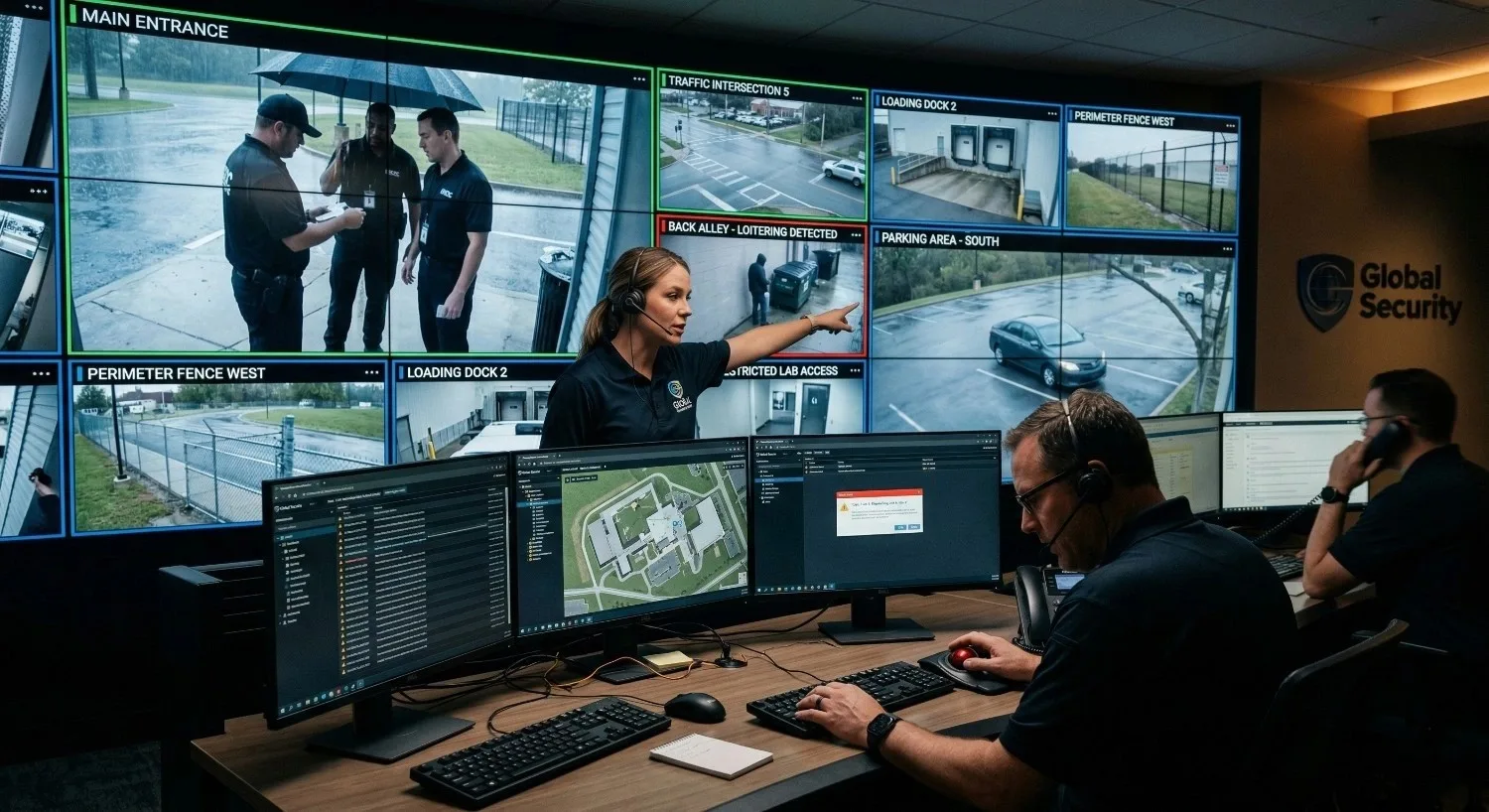
Critical cameras should always have stronger visibility. If the feeds that matter most are placed in small tiles or poor positions, operators will spend unnecessary time locating them during a live event. The wall should naturally guide attention to the right places.
Preset layouts also make a big difference. A command center may need one arrangement for daily monitoring and another for emergency response, traffic congestion, perimeter alerts, or site-specific incidents. When those layouts are prepared in advance, teams can switch faster and respond with less friction.
Another best practice is combining overview and a detail on the same wall. Operators need context, but they also need close-up views to confirm what is happening. A larger overview feed supported by nearby detail views often works better than treating every camera the same way.
The final principle is restraint. One of the biggest layout mistakes is trying to show too much. A wall full of tiny tiles may look impressive, but it often reduces usability. Operators should not have to fight the screen to do their job.
Where Many Command Centers Get It Wrong
Most layout problems come from trying to maximize display count instead of decision speed. When every feed is shown equally, the wall loses hierarchy. When related cameras are scattered, the wall loses logic. When one static layout is used for every situation, the wall loses relevance. And when alerts do not stand out, the wall loses urgency.
These mistakes are common because they seem harmless during setup. But in real operations, they slow down understanding and add unnecessary fatigue. A command center video wall should make action easier, not add another layer of work.
Why Different Command Centers Need Different Layouts
There is no single layout that works for every environment. A security operations center, traffic command center, industrial monitoring room, and multi-site surveillance hub all have different priorities.
A security environment usually needs stronger focus on access points, lobbies, perimeters, and restricted areas. A traffic environment needs visibility across corridors, junctions, choke points, and incident-prone routes. Industrial monitoring often requires a different mix, where safety-critical zones and operational areas both need attention. Multi-site monitoring adds another challenge because grouping and clarity become essential when operators are watching several locations from one wall.
The layout should reflect the job of the command center. That is what makes it useful.
How the Right VMS Supports Better Layouts
Even a strong layout strategy depends on the VMS behind it. If the system makes layouts difficult to create, adjust, or switch, the video wall becomes harder to use in real operations.
A good VMS should make it easy to manage different scenes, move between presets, and bring priority feeds forward when needed. It should support the workflow of the room instead of slowing it down.
The features that usually matter most are:
easy layout switching
multi-screen control
alert-driven feed prioritization
centralized monitoring support
These capabilities help the wall stay useful during normal operations and during active incidents.
How Better Layouts Improve Operator Performance
When the layout is right, operators do not waste energy figuring out the screen. They can spend more time understanding the event itself.
That improves incident recognition, verification, and coordination. It also reduces visual fatigue over longer shifts, which is a major issue in command center environments. A cluttered wall forces constant scanning. A structured wall gives operators a clearer path to action.
This is why video wall planning should be treated as part of response planning. It directly affects how people work under pressure.
Conclusion
A video wall should never be designed just to look full. It should be designed to help teams respond.
The best layouts are usually the ones that feel clear, focused, and easy to use. They prioritize critical cameras, support different operational scenarios, combine overview with detail, and avoid unnecessary clutter. Most importantly, they help operators understand what matters faster. That is what turns a video wall from a passive display into a real command center tool.

Dinesh Kumar
SEO Analyst
Dinesh Kumar is an SEO Analyst at Katomaran Technologies, writing search-optimized content on AI video analytics, VMS, intelligent surveillance, and IoT-driven technology solutions.