Introduction
Large enterprises don’t just “install CCTV.” They operate complex environments—corporate campuses, factories, warehouses, retail chains, data centers, and critical infrastructure—where video is used for security, safety, and operational visibility. Managing this volume of cameras, users, and locations requires more than basic recording. That’s exactly where a Video Management System for large enterprises becomes the foundation.
This blog explains what an enterprise VMS is, how it works, what features define it, and how enterprises use it to build consistent, scalable video operations across multiple sites.
What Is a Video Management System (VMS)?
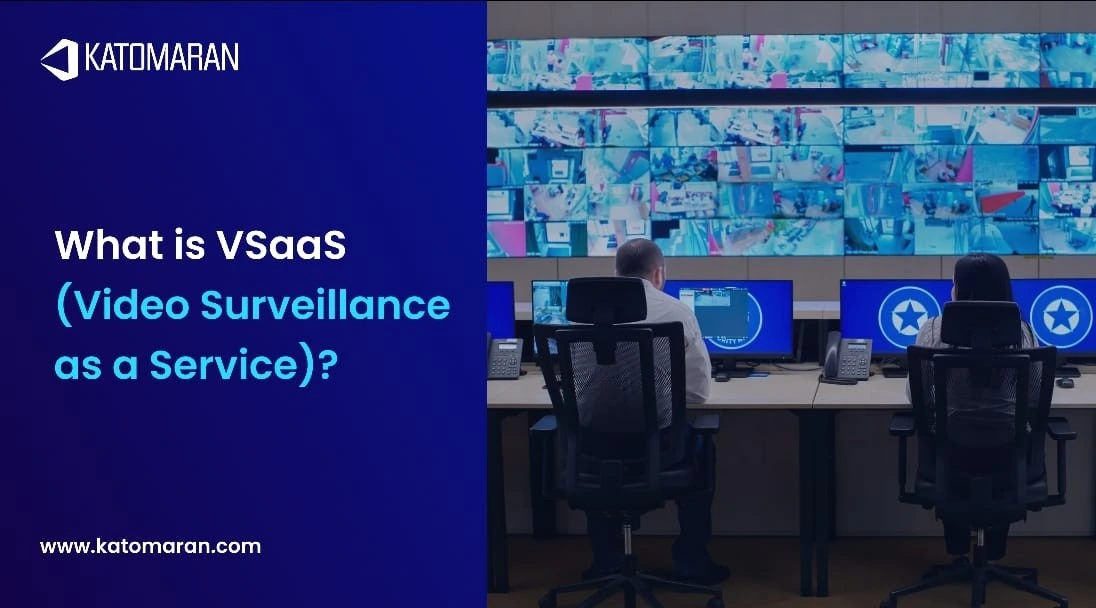
A Video Management System (VMS) is a platform that helps organizations connect, manage, record, view, search, and share video from IP cameras and video devices. In a large enterprise, a VMS becomes the central layer that standardizes how video is handled across the organization—so teams can monitor sites, investigate incidents, and manage access in a controlled and consistent way.
Unlike standalone recording devices, an enterprise-grade VMS is designed to handle:
Thousands of cameras and many locations
Multiple departments and user groups
Central governance with local site control
Unified live monitoring and investigation workflows
Why Large Enterprises Adopt Enterprise VMS Platforms
1. Centralized visibility across sites
Large organizations often operate across regions or countries. An enterprise VMS supports multi-site video management so security teams can monitor and investigate from one central environment, while site teams can still handle day-to-day tasks locally.
2. Consistent governance and operations
Enterprises need standardized control for:
Who can view which cameras
Who can export footage and when
How video is organized across departments
How incidents are handled and documented
A VMS helps maintain consistent operations even when the organization has many facilities and diverse teams.
3. Faster investigations and better situational awareness
When an incident happens, time matters. A well-designed enterprise VMS enables faster review through:
Multi-camera playback and synchronized timelines
Quick navigation by location, camera group, or event markers
Easy sharing of relevant clips (based on permissions)
4. Stronger collaboration between physical security and IT
Enterprises increasingly treat video as part of the broader security ecosystem. A VMS supports structured user access, centralized administration, and integration potential—helping physical security teams work effectively with IT policies and governance.
How an Enterprise Video Management System Works
An enterprise VMS is usually built with a central management layer plus site-level recording and connectivity, allowing video to be managed at scale without losing reliability across remote branches.
Core building blocks of an enterprise VMS
1. Video sources: IP cameras, encoders, and special-purpose cameras
2. Recording layer: servers or edge devices that store video streams
3. Management layer: the “control plane” that manages users, roles, sites, devices, and permissions
4. Client applications: web/desktop/mobile clients for live view, playback, and investigations
5. Storage layer: configured to support enterprise retention requirements and scale
6. Monitoring layer: health status for cameras, recorders, and system components
Typical enterprise deployment pattern
Most large enterprises follow a practical structure:
Recording close to the cameras (at site level) for reliability
Central management and unified user control (at HQ or data center)
Central visibility for command centers and security operations teams
This balance supports multi-location operations while keeping performance stable for each site.
Video Management System Features for Large Enterprises
| Feature Area | What It Means (Enterprise Need) | Key Capabilities |
|---|---|---|
| Scalability & Multi-Site Management | Manage large deployments across many locations without complexity | Central dashboard for sites/camera groups; easy site expansion; supports large user teams |
| Role-Based Access & Permissions | Control who can view, manage, or export video across departments | Roles by department (SOC, regional security, facility admin, audit); permissions by site/camera/function; governance and accountability separation |
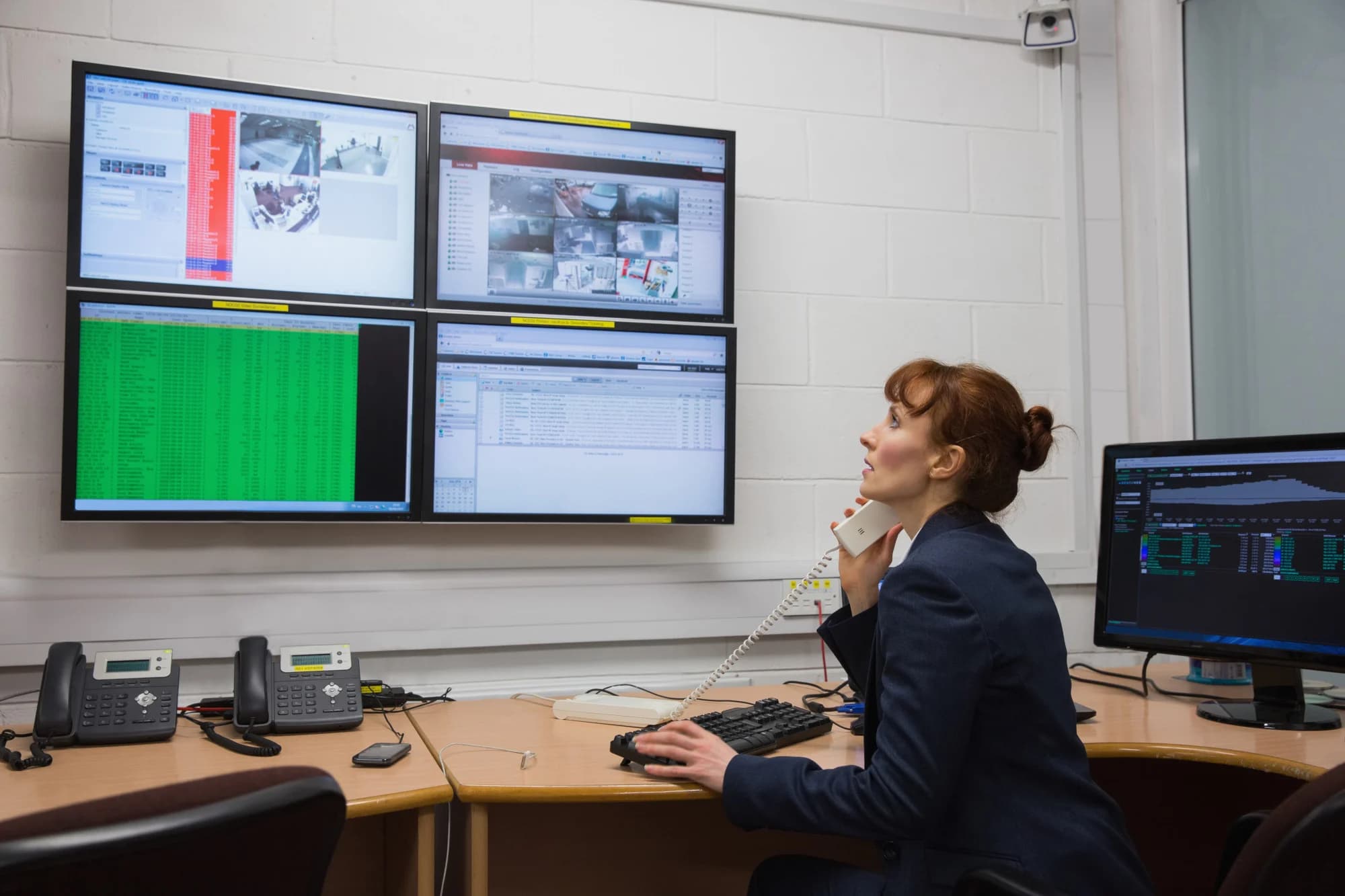
| Centralized Live Monitoring & Control-Room Readiness | Support 24/7 operations with fast response workflows | Multi-screen live view layouts; camera tours/patrol views; operator workflows to reduce reaction time |
| Investigation Tools | Speed up incident review and reduce manual effort | Fast playback & timeline scrubbing; synchronized multi-camera playback; bookmarking, case folders, structured evidence handling |
| Health Monitoring & Operational Continuity | Maintain uptime across thousands of cameras and devices | Camera uptime alerts; recorder/storage status monitoring; diagnostics for quick troubleshooting |
| Enterprise-Grade Integration Readiness | Connect VMS with other enterprise security and operations tools | Standards-based camera connectivity (where possible); APIs/SDKs; event/alarm workflows with external systems |
Enterprise Integrations That Make VMS More Valuable
A VMS becomes significantly more powerful when it connects with other security and operational platforms. In large enterprises, integration is often the difference between “video storage” and “video intelligence operations.”
Common enterprise integration areas
1. Access control systems: Link door events and badge activity to video
2. Intrusion/alarm systems: Trigger video pop-ups and incident workflows
3. Visitor management: Associate visitors with entry/exit footage
4. SOC tools: Connect events into broader security operations workflows
5. AI video analytics: Add event-based detection for proactive monitoring
When integrated properly, a VMS can shift from passive recording to a platform that supports real-time awareness and faster response.
Use Cases: Where Enterprise VMS Delivers the Most Impact
1. Corporate Campuses & Office Networks
Unify security operations across buildings with a centralized enterprise VMS that streamlines live monitoring, incident review, and access-controlled viewing for different teams.
- ➤Centralize entry, lobby, parking & perimeter views
- ➤Standardize incident review across departments
- ➤Faster response with multi-camera coordination
2. Manufacturing, Warehouses & Industrial Sites
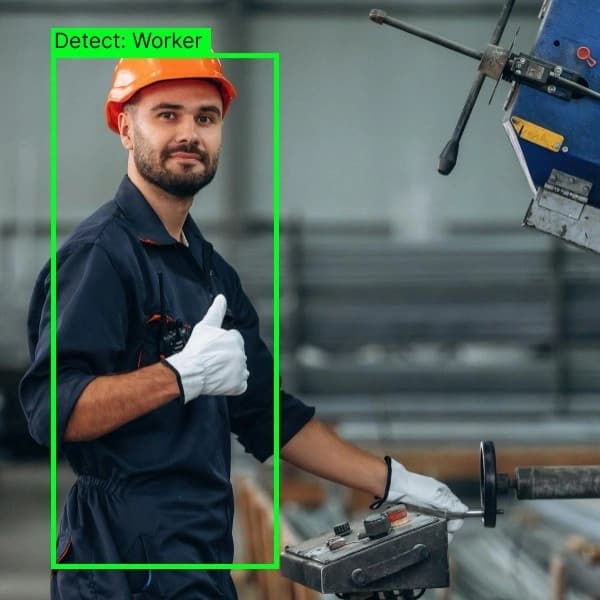
Protect high-value assets and restricted areas using a video management system for large enterprises that supports continuous visibility, shift-wise accountability, and structured investigations.
- ➤Monitor production, loading bays & restricted zones
- ➤Reduce blind spots with site-wide visibility
- ➤Improve safety oversight with faster evidence access
3. Retail Chains & Distributed Locations
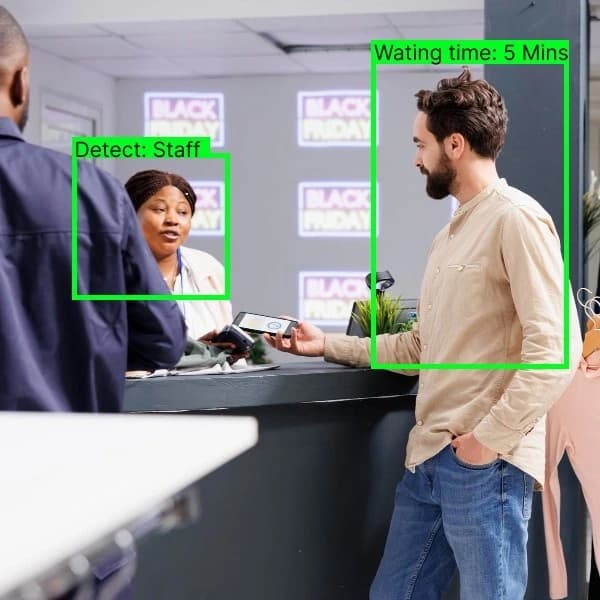
Manage multi-store security from one platform. Enterprise VMS enables centralized monitoring and quicker investigations while ensuring consistent operations across cities and regions.
- ➤Central command view for multiple stores
- ➤Faster case closure with quick playback and search
- ➤Consistent security workflows across locations

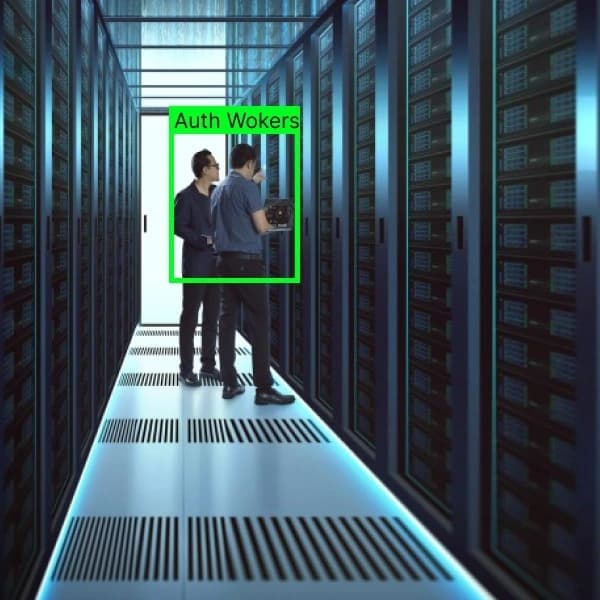
4. Data Centers & Critical Infrastructure
Maintain strict governance with role-based viewing and controlled exports. Enterprise VMS supports audit-ready incident reviews and centralized reporting across facilities.
- ➤Enforce access control to sensitive camera feeds
- ➤Structured incident review and reporting
- ➤Reliable oversight across secure zones
5. Transportation Hubs & High-Footfall Facilities
Support real-time decision-making across terminals, gates, and high-traffic areas using centralized monitoring and faster incident correlation across multiple cameras.
- ➤Improve situational awareness across large areas
- ➤Rapid incident correlation with multi-feed review
- ➤Support crowd movement and operational visibility

Explore Katomaran Enterprise Video Management System
If you’re planning to deploy or upgrade an enterprise VMS, Katomaran Technologies delivers a scalable platform built for multi-site control, strong governance, and easy integrations.
Central monitoring across locations
Role-based access for teams and regions
Faster investigations with smart playback tools
Conclusion
A Video Management System for large enterprises is the platform layer that turns distributed cameras into a controlled, scalable, and searchable system across the organization. For enterprises managing multiple locations, large user groups, and complex operational demands, an enterprise VMS supports centralized visibility, structured access control, consistent workflows, and integration-driven security operations.
Katomaran Technologies helps enterprises design and deploy enterprise-ready VMS solutions built for multi-site environments—supporting centralized management, scalable operations, and integration with analytics and security systems.

Dinesh Kumar
SEO Analyst
Dinesh Kumar is an SEO Analyst at Katomaran Technologies, writing search-optimized content on AI video analytics, VMS, intelligent surveillance, and IoT-driven technology solutions.